Buying a program
Most purchases start the same way: a coach shares a link, and it lands you on the program's page. The link can come from their Instagram, a newsletter, or anywhere else they reach you. From there to training is a few minutes.
- Open the coach's link
The program page shows what you are buying: the program, the coach behind it, and the price. A one-time program reads "Buy once — lifetime access." An ongoing program bills monthly and keeps delivering new weeks while you stay subscribed.
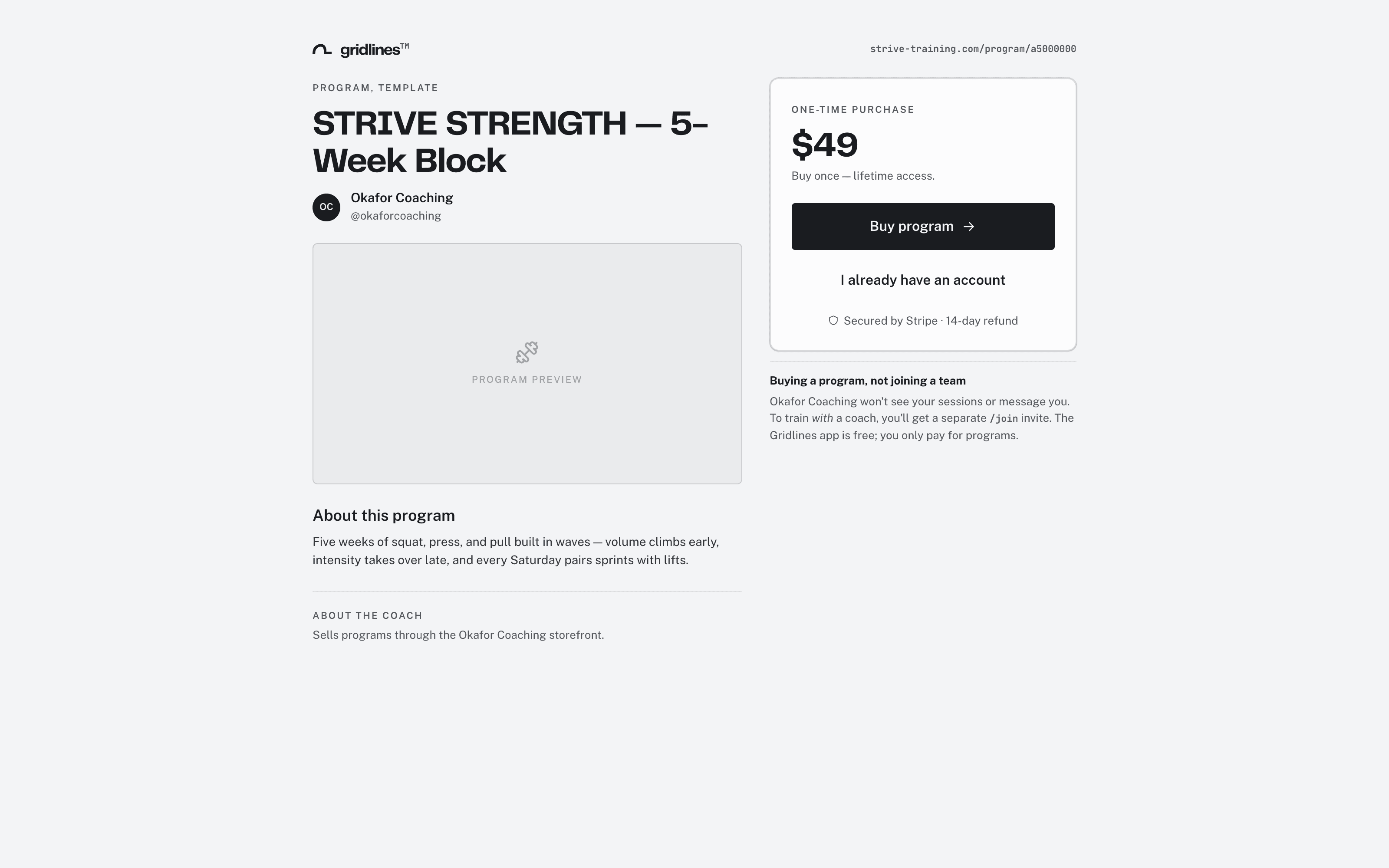
The program page a shared link opens. - Sign in, or create a free account
If you're signed out, you sign in or create an account first. The page preserves the program you were viewing, so you land right back on it. If your email already has an account, the page asks you to sign in rather than create a duplicate. The purchase attaches to the account you already have.
- Check out
Click Buy program or Subscribe. Payment runs through Stripe Checkout. Card details go to Stripe, not to the coach. After payment, a confirmation page links to the mobile app.
- Train in the app
In the mobile app, your program waits in Profile > Programs. Tap Start to put it on your calendar. The purchase also appears under Purchases in your web account.
One-time vs ongoing
A one-time program is yours for good. You pay once, you keep access, and nothing renews. An ongoing program bills monthly and keeps access while the subscription is active. Cancelling stops future renewals, and you keep access through the period you paid for. The program page says which kind it is before you pay.
Finding it later
Every program purchase, one-time or ongoing, appears in Purchases in your web account, with its status, dates, and amount. See Your purchases for how to read that page. See Managing your billing for how to change or cancel an ongoing one.