Docs
How Gridlines works
Short, practical guides to the common workflows, organized by where they happen — the builder, the mobile app, and the web dashboard. If you can't find what you need, email support.
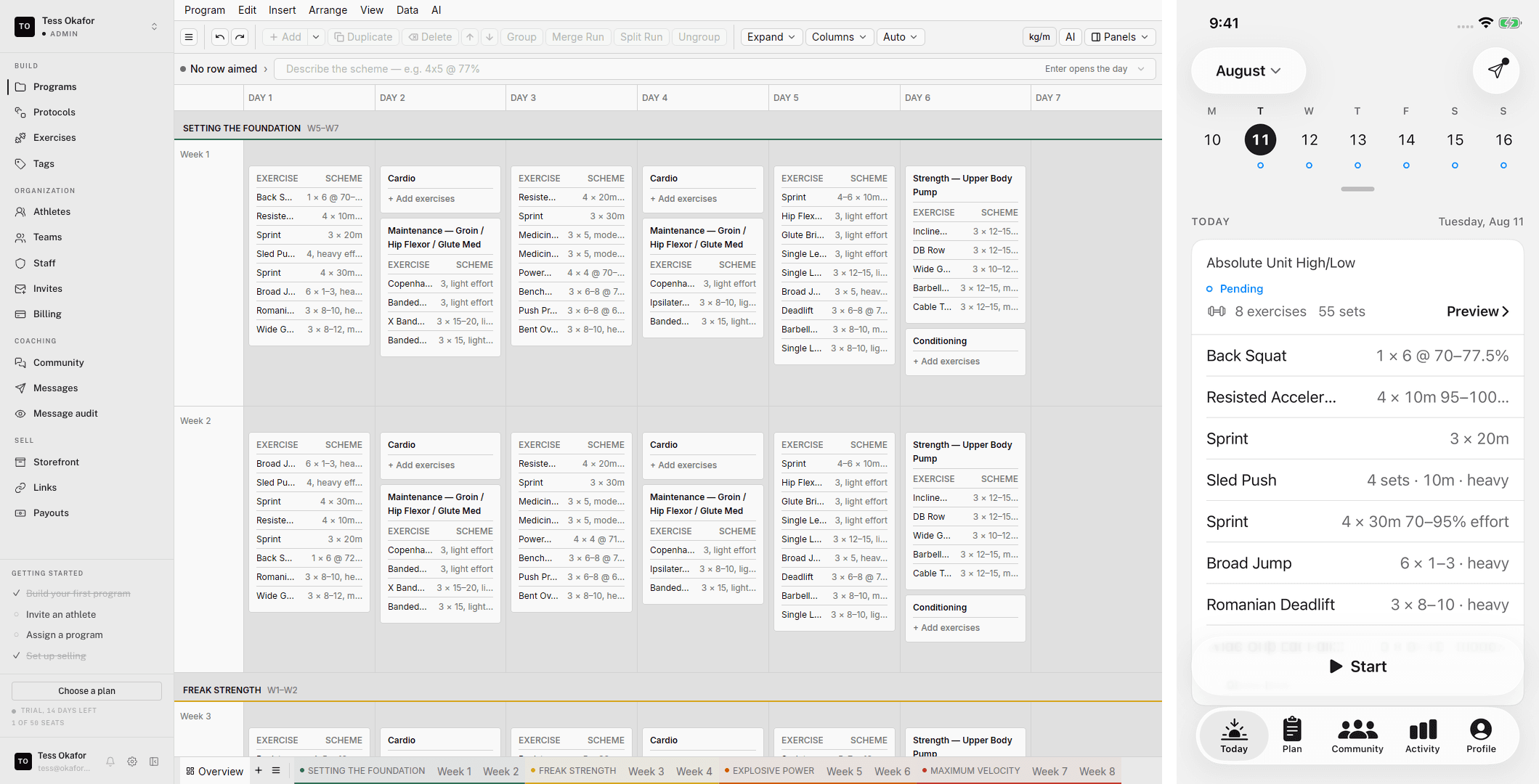
Get started
Creating your accountSign up, verify your email, and name your organization. It is free, with no card and no trial.Accounts & workspacesOne account, one email — how organizations, roles, and selling fit under a single login.Buying a programFrom a coach's link through Stripe checkout to training in the mobile app: one-time and ongoing programs, and where your purchase lives.Athlete quickstartFrom a coach's invite or a bought program to your first logged session: account, mobile app, Check-in, and the Start button.Coach quickstartFrom nothing to a program buyers can pay for: sign up, write it in the builder, set up selling, price it, publish, share the link.Organization quickstartName your organization, invite staff and athletes on the Free plan, create a team, and put a program on its calendar.
Training
Getting set upFirst run in the mobile app: sign in, set your training preferences and body details, learn the five tabs, and find your programs.Training a programWhere athletes train: finding your program in the app, running sessions, and logging your work.Logging a workoutThe core loop: start a session from Today, log sets on the keypad, use the rest timer and tools, and finish to save it to Activity.Managing your programsProfile › Programs in the mobile app: start a program you own, change its training days, end it, restore a lapsed one, and handle missed sessions.The Check-in tabYour daily readiness score, the daily check-in your coach asks for, and your coach's intake form, all on the Check-in tab of the mobile app.Maxes and percentagesHow percent-based prescriptions resolve to real loads, the difference between a 1RM and a working max, and when to update them.Wearables and Apple HealthConnect Apple Health to the mobile app so your sessions show heart rate, your watch workouts match your sessions, and your readiness is scored from overnight data.Finding and buying programsBuy a program on the web from a coach's program link or storefront, and find it in the mobile app afterwards.Tracking your progressThe Activity tab: your session ledger, editing past sessions, and the widgets that chart volume, consistency, and exercise trends.CommunityYour coach's community in the app: spaces, posting, polls, attaching sessions, and keeping the feed a good place to train.Messaging your coachThe Messages inbox: how coach conversations start, replying, attaching session receipts, and reporting a conversation.
Building
Opening the builderThe builder runs inside your web dashboard: the Agent is where you land, Programs and Library hold what you build, and calendars live on athlete and team pages.Finding your way aroundThe workspace switcher, the sidebar groups, the Agent panel, the editor's menus, and the day dock.Building your first programWeeks, days, and sessions — how a program is structured and how to write one fast.The program editorThe full structural toolkit: weeks, blocks, days, sessions, groups, and how to move all of it around.Writing schemesThe helper bar's scheme language — type prescriptions the way you'd say them, and let the grid fill itself.Templates and calendarsThe two program types — reusable templates and calendars on real dates — and how each one behaves in the editor.Organizing programs in foldersFile your organization's programs into folders and subfolders, move programs between them, and know who can change a folder.Your exercise libraryBrowse your organization's exercises and the system catalog, create exercises with AI autofill and demo videos, and manage tags.Importing exercises from CSVAdd many exercises to your organization's library from a spreadsheet, and review every row before anything saves.ProtocolsSave a set-and-rep scheme once, then apply it to any exercise from the helper bar.Your glossaryDefine the training terms your athletes read — RPE, RIR, tempo — so the app explains them in place.The AgentChat with the Agent to read and edit your programs, athletes, and teams. Every edit waits for your approval unless you turn on Auto-apply.Scheduled tasksHave the Agent run a prompt for you on a schedule, or when something happens, and email you the result.SkillsSave a procedure you ask the Agent for often, with blanks for the athlete, team, or date, and run it from the composer.Coaching eyeYour standing instructions to the Agent: who you coach, how you write loads, and the rules it must follow in every chat.Connect your AI assistantConnect Gridlines to Claude or another MCP-compatible assistant, then review athletes and build programs through conversation.
Coaching
TodayThe morning check: which athletes are flagged, low, or not checked in, what your readiness rules propose, and who to message first.The athlete pageOne athlete in one place: their calendar, logged sessions, trends, readiness, intake answers, and coach notes.The team pageOne team in one place: its calendar, roster trends, intake and readiness forms, readiness rules, roster, and settings.Team forms: intake and readinessThe intake and daily readiness forms your athletes answer in the app, how a team gets its own version, and the readiness rules that act on the answers.CommunitiesSpaces, posts, polls, pinning, and moderation: running the conversation your athletes see in their app.Messaging athletesOne-to-one threads with your athletes: starting a conversation, the training context beside it, audited threads, and who can message whom.
Selling
Setting up your storefrontCreate your organization's Storefront: page name, permanent handle, profile, images, and the switch that puts it live.Your public storefront pageWhat buyers see at /c/{handle}: your profile, all-access, the program lineup, and when the page is hidden.Publishing & pricing a programMake a program live, write its sales presentation, and set its price and free trial.Listing on the marketplacePublish a program's listing, clear what blocks it, check that buyers can see and buy it, and take it down.Share links & attributionWhich link to share, how a tracked link counts clicks for one channel, and where you make and copy tracked links.All-accessOne monthly subscription that unlocks the programs you include: price, free trial, what's included, and how to close or turn it off.Getting paidConnect your organization's Stripe account, clear verification, and find your payouts.
Organization
Managing teams & staffCreate teams, invite staff, and put coaches in charge of the teams they run.Staff roles and permissionsWhat an Admin, a Head coach, and a Coach can do in your organization, and how to change someone's role.Inviting athletesInvite athletes to a team or to the organization on their own, then set up the calendar they train from.Managing invitesThe invite ledger: statuses, resending, revoking, how pending invites hold seats, and why every invite is single-use.Importing staff and athletes from CSVSend many invites at once: prepare a file of email addresses, review every row, then import to create and email the invites.Invites vs. program linksTwo ways athletes reach you: an invite puts them on your roster, a program link sells them a program. When to use each.Adding a program to a calendarFollow a calendar or place a template onto an athlete's or a team's calendar, and pick the right one.Organization & billingEdit your organization's settings, read the Billing page, choose a paid plan, and manage it through Stripe.Charging athletes directlyBill your own athletes through your organization's Stripe account: a default rate for everyone, custom charges per athlete, and how each charge is tracked.
Account
Profile & securityChange your name, email, or password on the web, see your sign-in methods, and sign out.Preferences and the account menuThe account menu at the right end of the web topbar, and the Preferences page: appearance, density, type size, notifications, readiness, and email settings.Adding or joining a workspaceCreate another organization under your account, or join one with an invite link or code, from the workspace switcher on the web.Your purchasesRead the Purchases page on the web: every program you bought, its status and dates, and any payments your coach charges you.Managing your billingWhere to change or cancel what you pay for: ongoing programs, all-access, and your organization's plan. Every payment runs through Stripe on the web.