Opening the builder
The builder is where you write training. It runs inside your web dashboard, in the same window as your roster, Storefront, and billing. There is no download and no second sign-in.
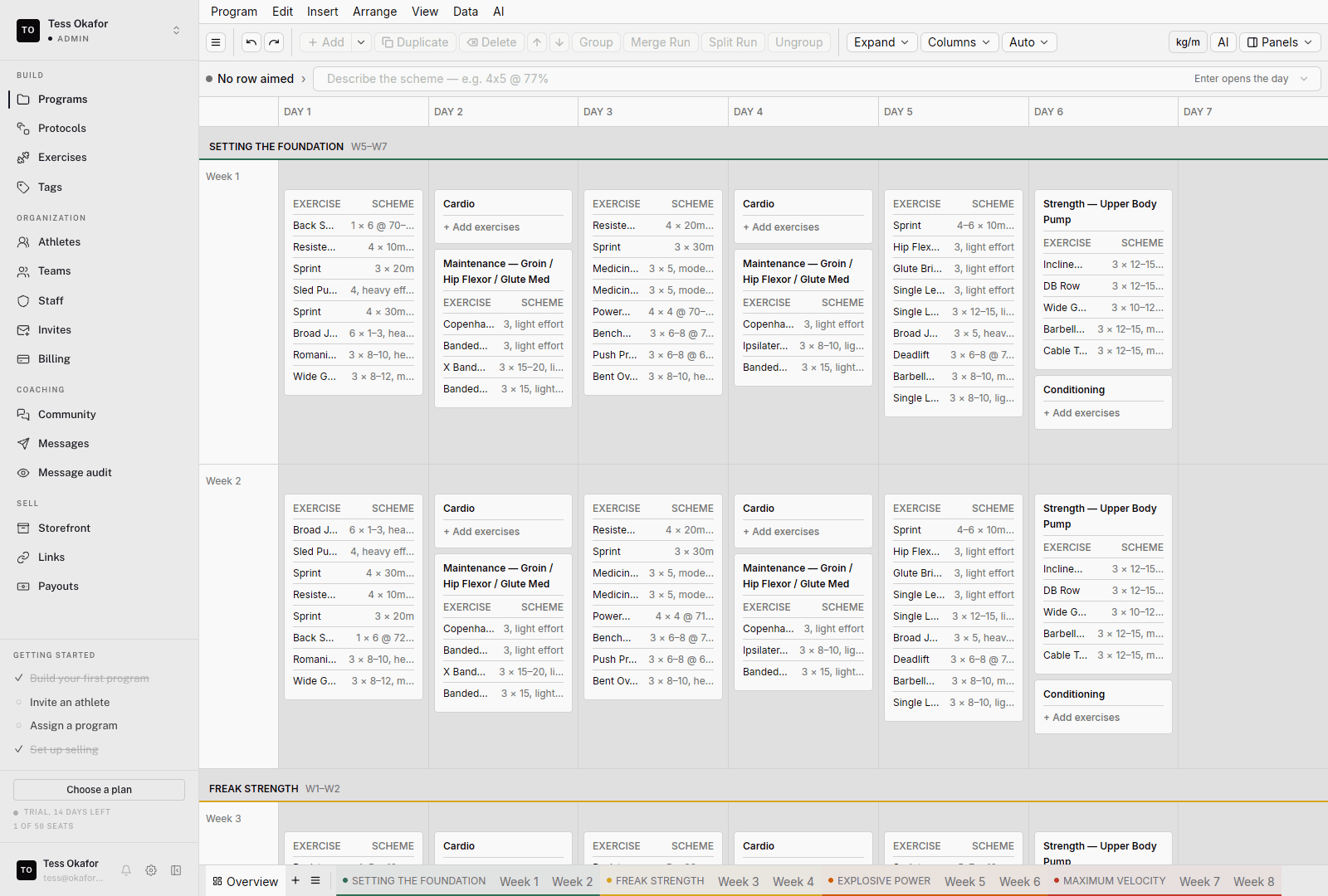
Where you land
When you sign in as a coach, the dashboard opens on the Agent. The Agent is a chat that reads and edits your programs, athletes, and teams. Type what you want built, or pick a room from the sidebar.
Where the builder lives
The sidebar's BUILD group holds two rooms:
- Programs — your organization's reusable programs: templates and calendars. Click a program to open it in the editor.
- Library — the material programs are written from. It opens on Exercises, with Protocols, Tags, and Glossary in its own side rail.
Programs are what you build. Calendars are where the training lands. To program one athlete or one team, open them under Athletes or Teams in the COACHING group and work on their calendar. See templates and calendars for how the two connect.
What the builder doesn't do
The builder writes training. Selling a program happens in Storefront, and rosters and invites live under COACHING and ORGANIZATION:
- To sell a program, publish and price it.
- To give a program to your own athletes, add it to a calendar.
The desktop app
The builder also ships as a native desktop app. It uses the same account and the same programs, and edits sync live between the two. The web builder is the one these guides describe.