Creating your account
Signing up is free, and there is no payment step. You pay only for what costs money: a paid organization plan or a program you buy.
- Sign up with your email
Open the signup page. Enter your email and a password, or click Continue with Google. If you use email, you get a 6-digit code. Enter it to confirm the address.
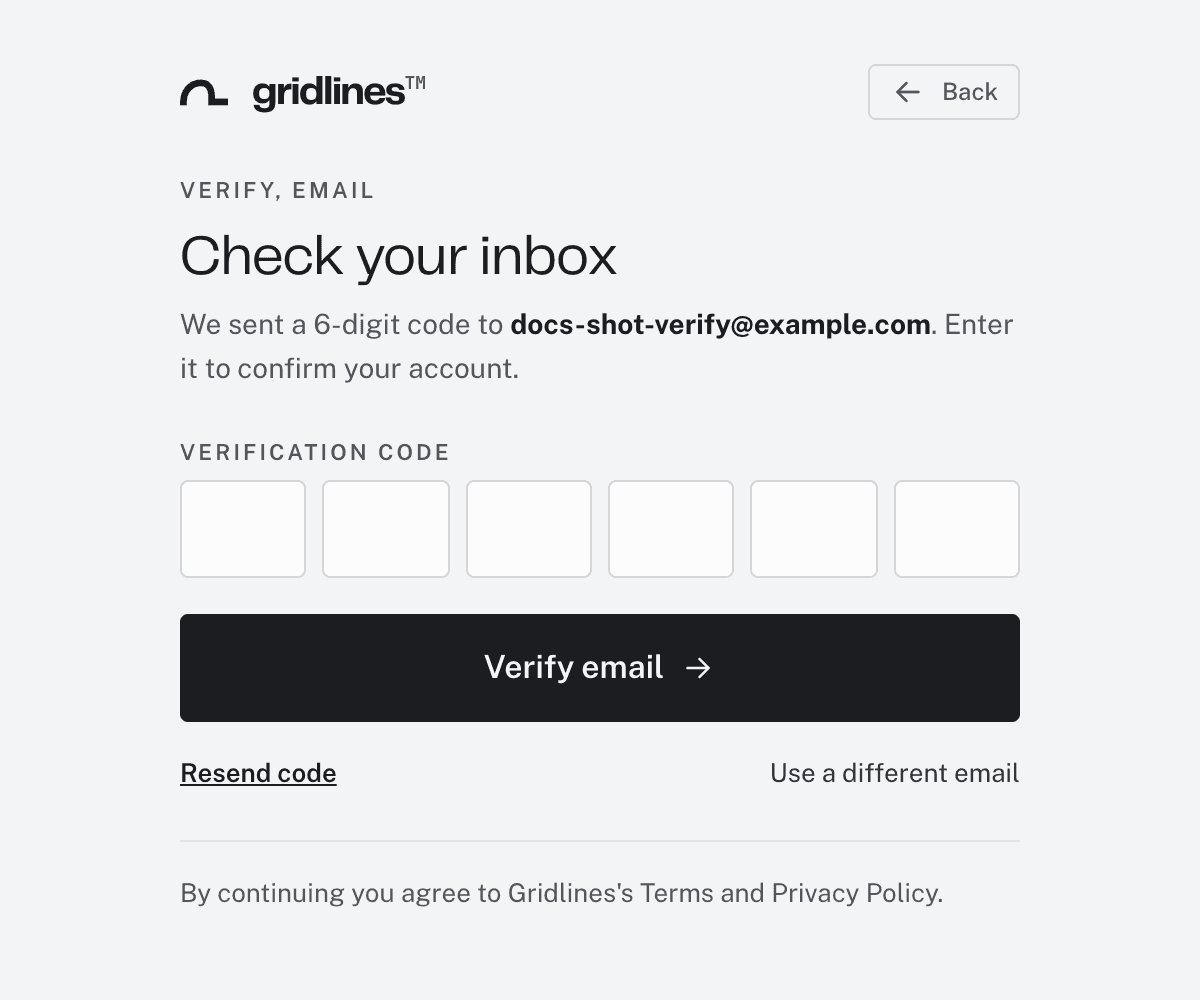
The verification step after email signup. - Name your organization
Every account starts as an organization. It holds your programs, your roster, your staff, and anything you sell. Coaching on your own is still an organization, with one member. Enter the Organization name. Click Continue.
Your organization starts on the Free plan. There is no card, no trial, and nothing to expire.
- Land in your dashboard
Coaches land on the Agent, the AI chat in the web dashboard. The sidebar holds everything else: your athletes, teams, programs, and settings. A getting-started checklist in the topbar lists the next steps.
One account, many workspaces
Your email is your account. One account can belong to several organizations at once, and each membership is a workspace. You can run your own organization, be on the staff of another, and train on a third's team, all with one sign-in. The workspace switcher at the left of the topbar moves between them. See Accounts and workspaces.
If you sign up with an email that already has an account, the page asks you to sign in instead. The new membership is added to the account you already have.
Where to go next
Pick your path. Each quickstart runs end to end:
- Coach quickstart — write a program and sell it.
- Organization quickstart — invite staff and athletes, and get a team training.
- Athlete quickstart — accept an invite and log your first session.