Messaging your coach
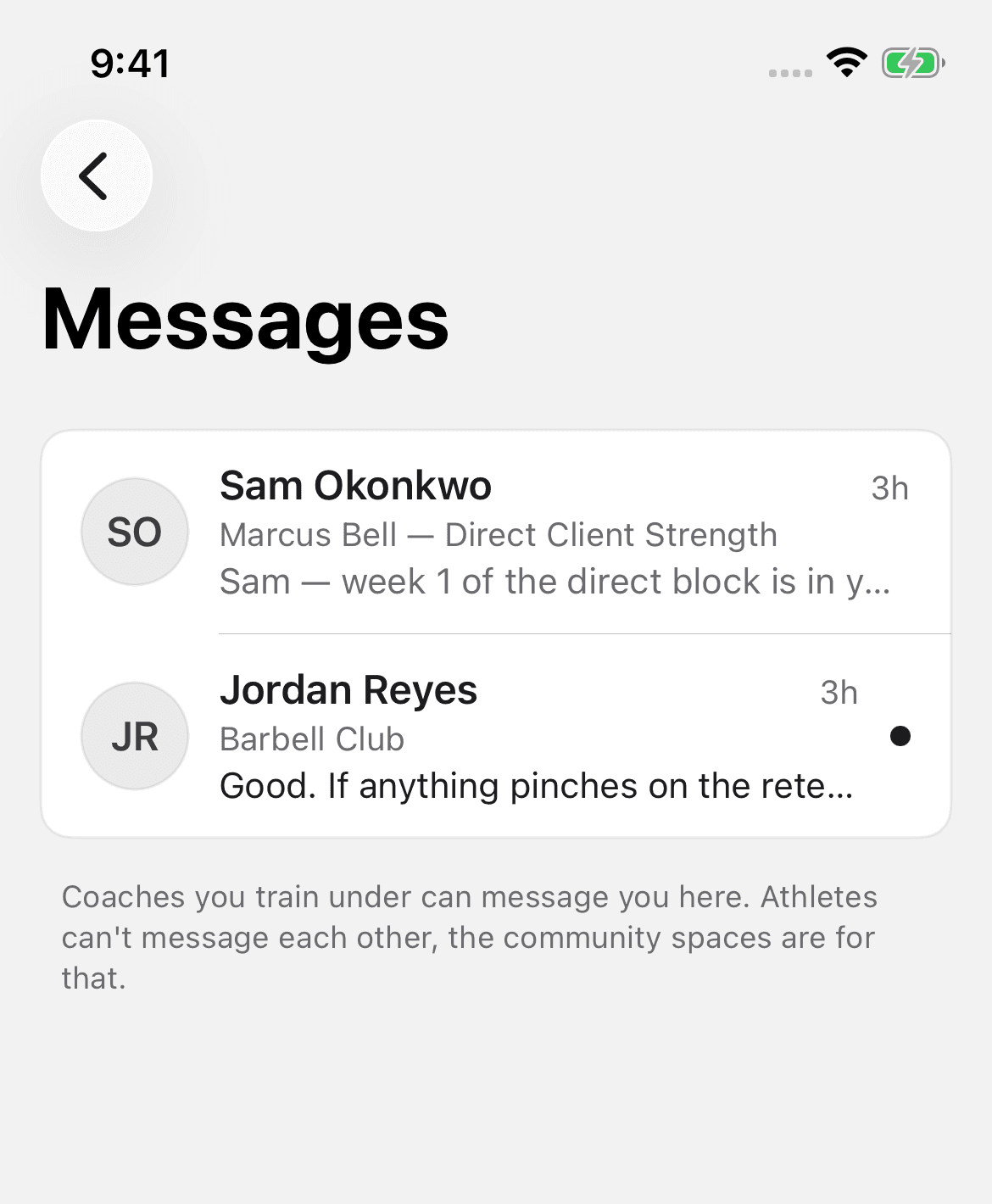
In the mobile app, Messages opens from the bubble in the Today header. It's an inbox of coach conversations. Each coach has one thread. Each thread shows a context line that names the program or team it came from. A note under the list states the rule: coaches you train under can send you messages here. Athletes can't send messages to each other.
How a conversation starts
Your coach starts it. Athletes can't start a new thread. When a coach sends you a message, the conversation appears in your inbox. From then on you can reply freely. Until then, the inbox shows a "Who can reach you" list: the coaches at your organization, coaches on your teams, and coaches whose programs you run.
The coach decides when a conversation opens. If there is no thread from your coach yet, nothing on your side needs to change.
Replying and attaching sessions
Open a thread. Reply as you would in any messaging app. The one training-specific tool is the session receipt. A receipt is a completed session from your Activity log, with its sets and loads. When a coach asks "how did Tuesday go?", the receipt is the answer. It shows exactly what you logged, not a summary from memory.
You can also share a receipt into a coach conversation directly from the finished session itself, without opening Messages first.
Managing the inbox
- Remove a conversation from the inbox if you're done with it. This tidies your list. It doesn't block the coach. The thread returns if they send another message.
- Report a conversation if something in it crosses a line. Reports go to the platform for review.
What your coach sees
If you're on a coach's roster, they already see your logged training history. That's the coaching relationship working as intended. Messages add conversation on top of that visibility, not the visibility itself.