Coaching eye
The coaching eye is how you program, written down for the Agent. The Agent reads it at the start of every conversation. Write "prescribe RPE, never kg" once, and you don't repeat it in every chat.
Your coaching eye is private to you in the active workspace. No one else in the organization, admins included, can read it. The Claude connector reads it too.
Opening it
Use either:
- On the Agent page, click Coaching eye in the header.
- In the Agent panel, open the composer's settings and choose Coaching eye.
The sections
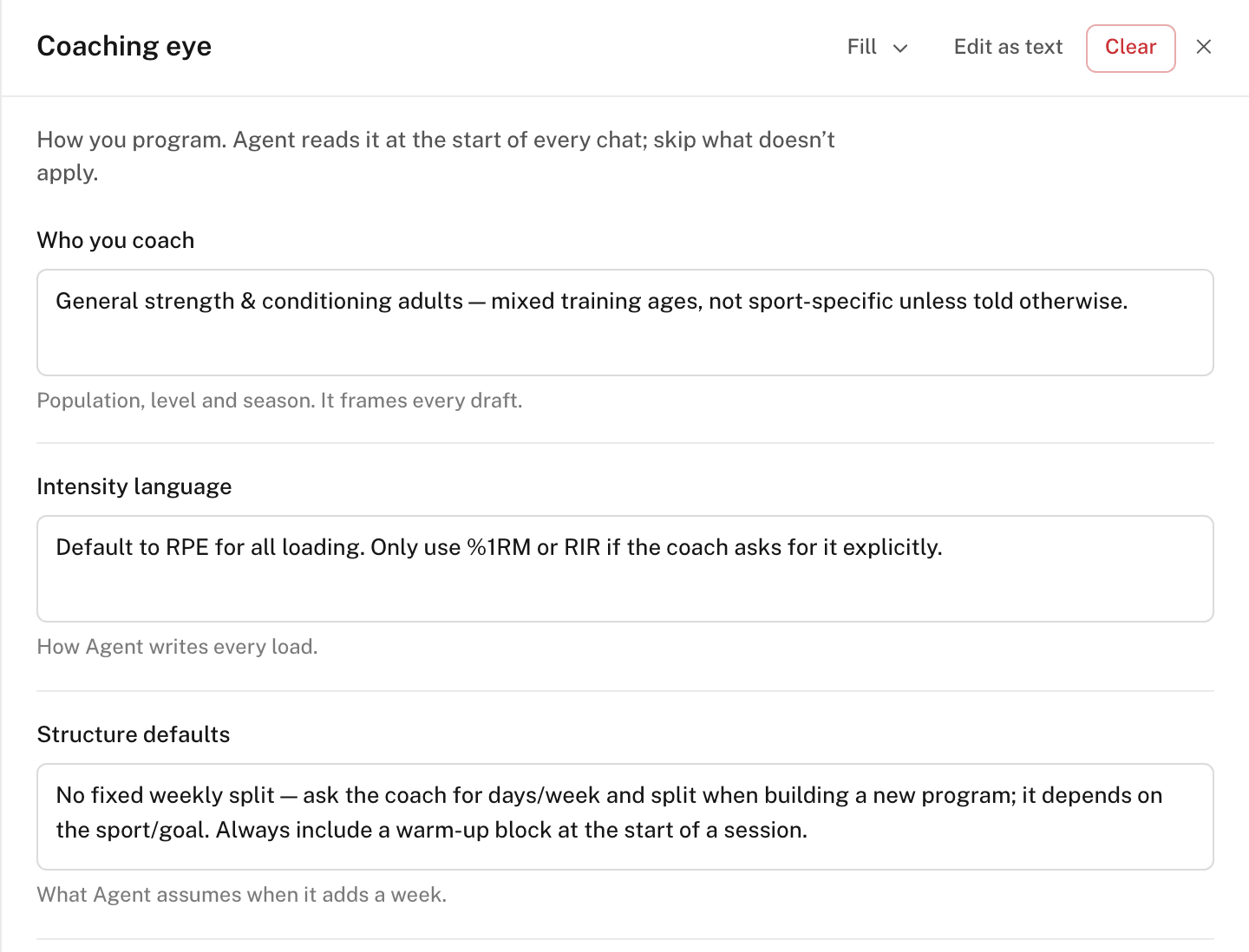
The coaching eye is a form with nine sections. Fill the ones that apply:
- Who you coach — population, level, and season.
- Intensity language — how the Agent writes every load.
- Structure defaults — what the Agent assumes when it adds a week.
- Hard rules — rules that override the Agent's defaults.
- Vocabulary — your words, which the Agent uses instead of its own.
- Exercise notes — how a note should read. Athletes read notes mid-set.
- Substitutions — what the Agent reaches for when it swaps an exercise.
- Ask me first — changes the Agent confirms with you before making.
- Notes — anything that fits no heading.
The sections together hold up to
4,000 characters. Click Edit
as text to write the whole coaching eye as one document. Headings such as
## Hard rules become sections again when you switch back to the form.
Filling it faster
Open the Fill menu:
- Set up with Agent — the Agent interviews you in the chat. It ends with a Coaching eye draft card. Click Review in Coaching eye to open the draft in the form.
- Draft from my library — the Agent drafts sections from your library: program names, tags, and exercise types.
- Import from another AI — copy the prompt into ChatGPT, Claude, or Gemini, and paste the answer back. The import fills empty sections only.
A draft lands in the form. Nothing saves until you click Save.
Knowledge
Below the sections, Knowledge holds longer rules that apply only sometimes, such as your deload rules. Click + Add and enter:
- Name — such as "Deload rules".
- Use when — when the Agent reads it, such as "Writing a deload week". Leave it blank to have the Agent read it in every chat.
- Content — the rule itself.
On any Agent reply, click Remember to save a rule from that reply to your coaching eye.