Review
Review a session's clips
At the end, each clip in the session has your reply on it, and the session thread holds the conversation for both of you.
Changed 24 Oct · see the update
You'll need
- An athlete who logged a session with clips. See log a workout in For athletes.
Steps
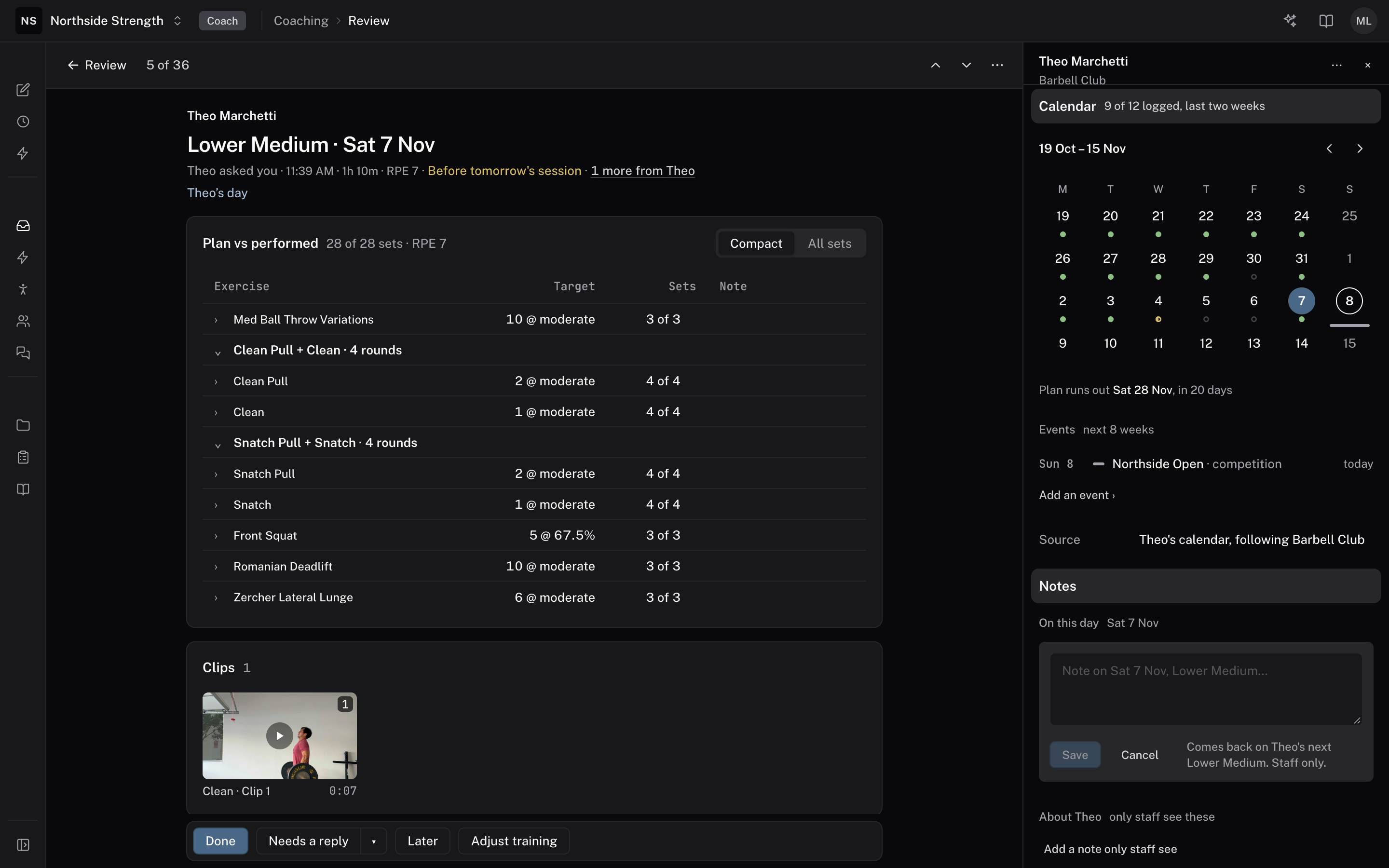
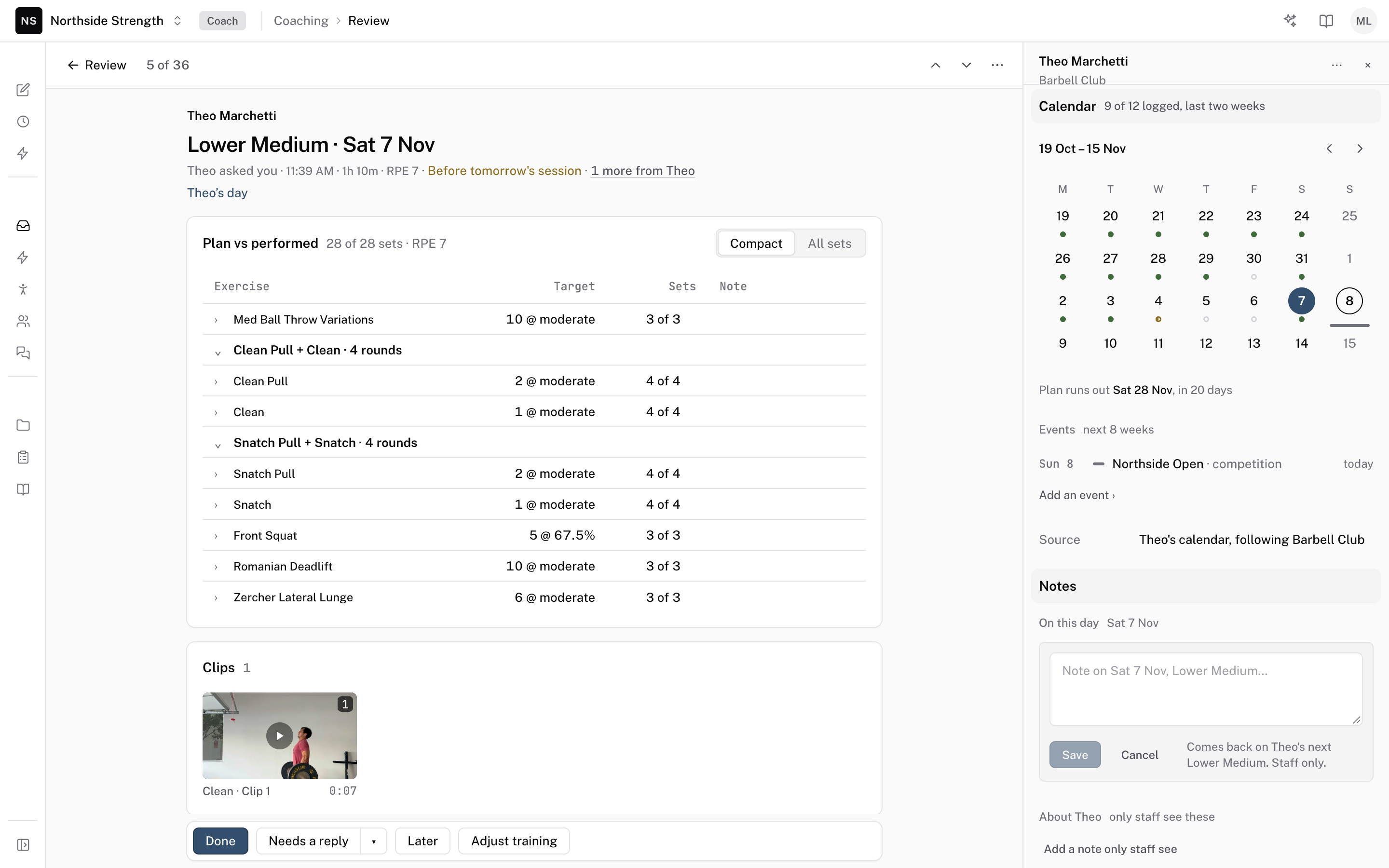
Open the session from the feed
In Review, select the session and press Return. Opening a thread marks it seen. A peek with Space doesn't.
Review↵
Stop on the frame
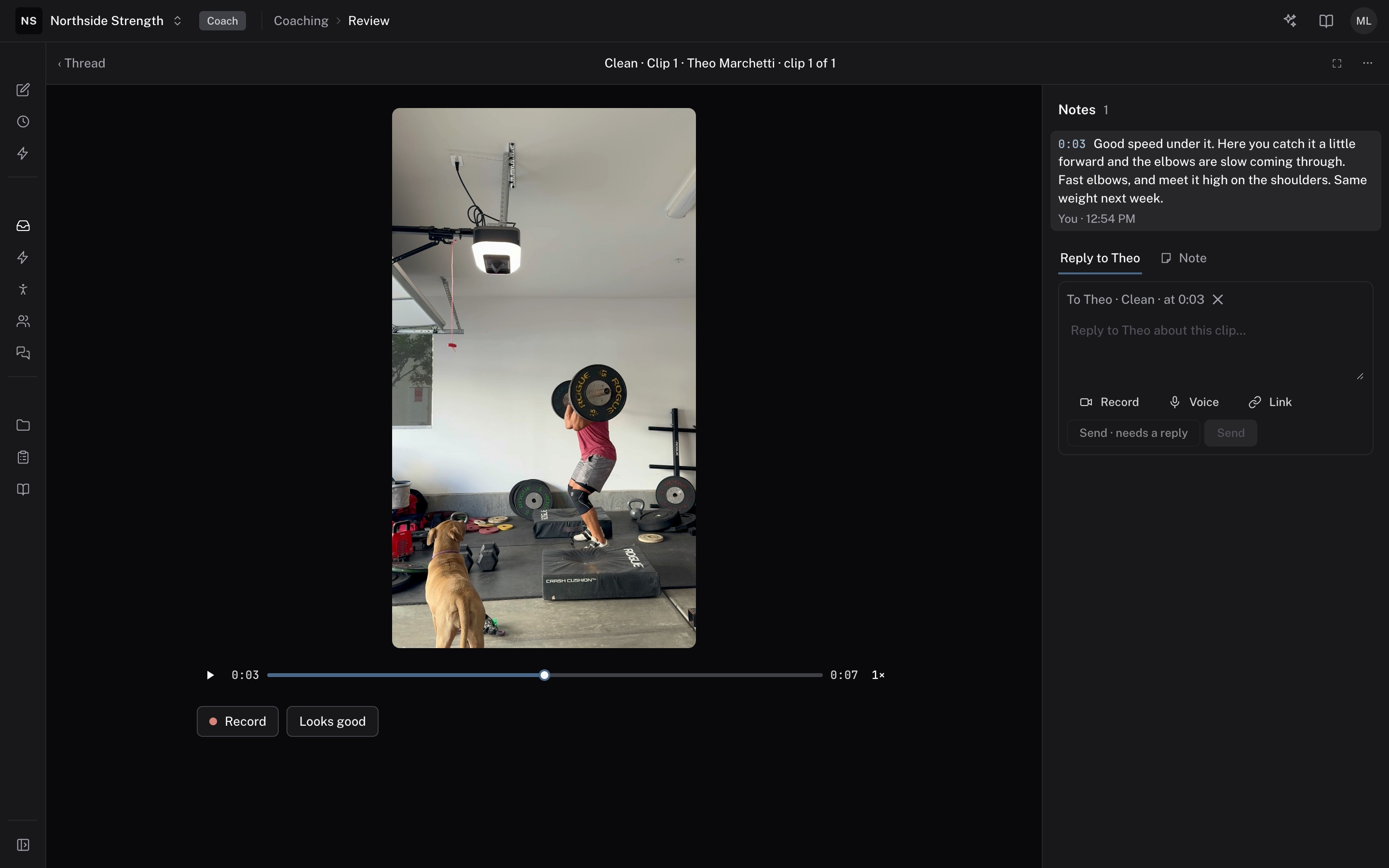
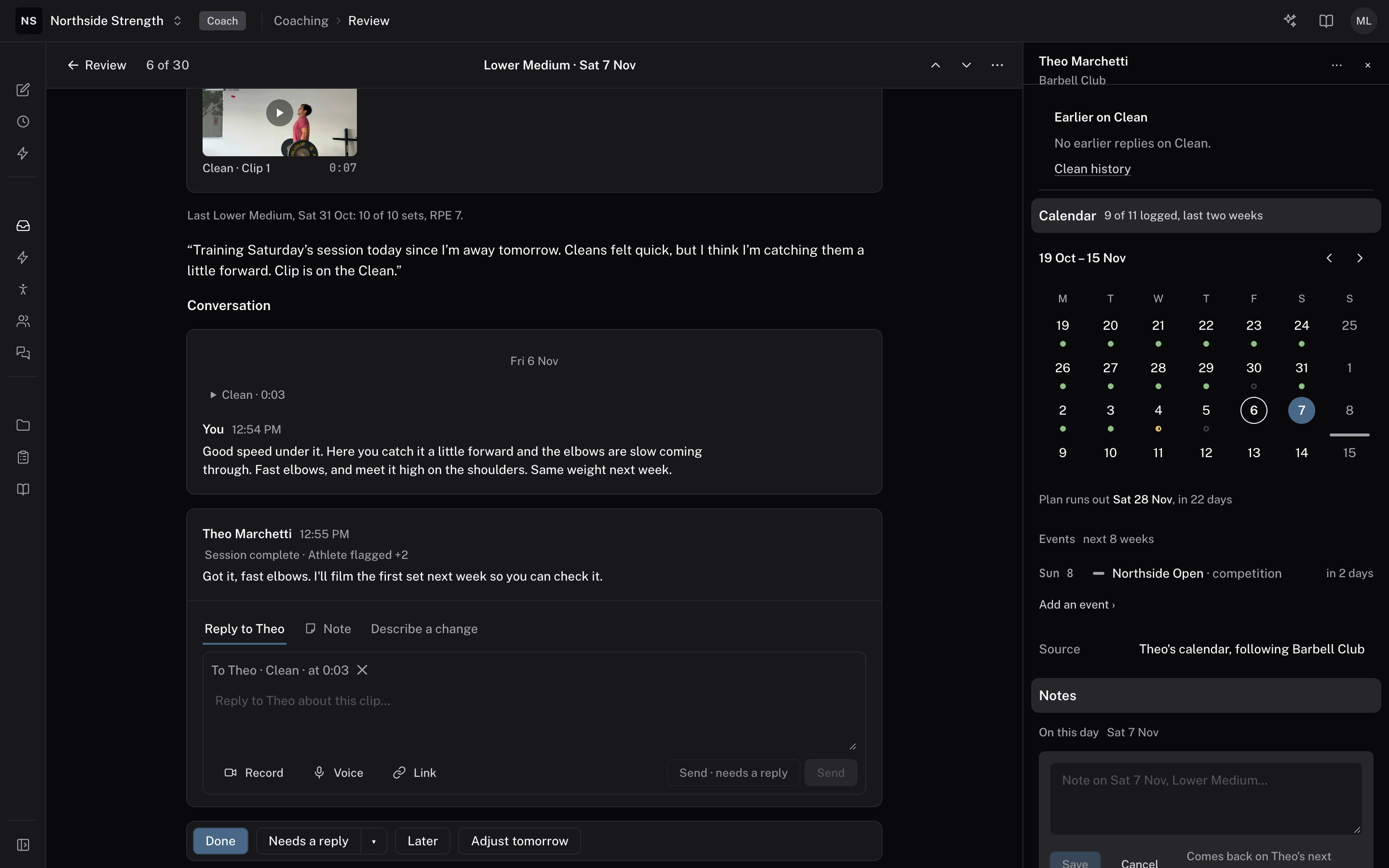
Play the clip and pause where the rep breaks down. The reply box picks up that moment in a line such as "To Theo · Clean · at 0:03". Your reply opens the clip at that moment in the athlete's app. Click × on the line to drop the time. To talk over the clip instead, choose Record. A recording runs up to 5 minutes.
Compare with an earlier rep
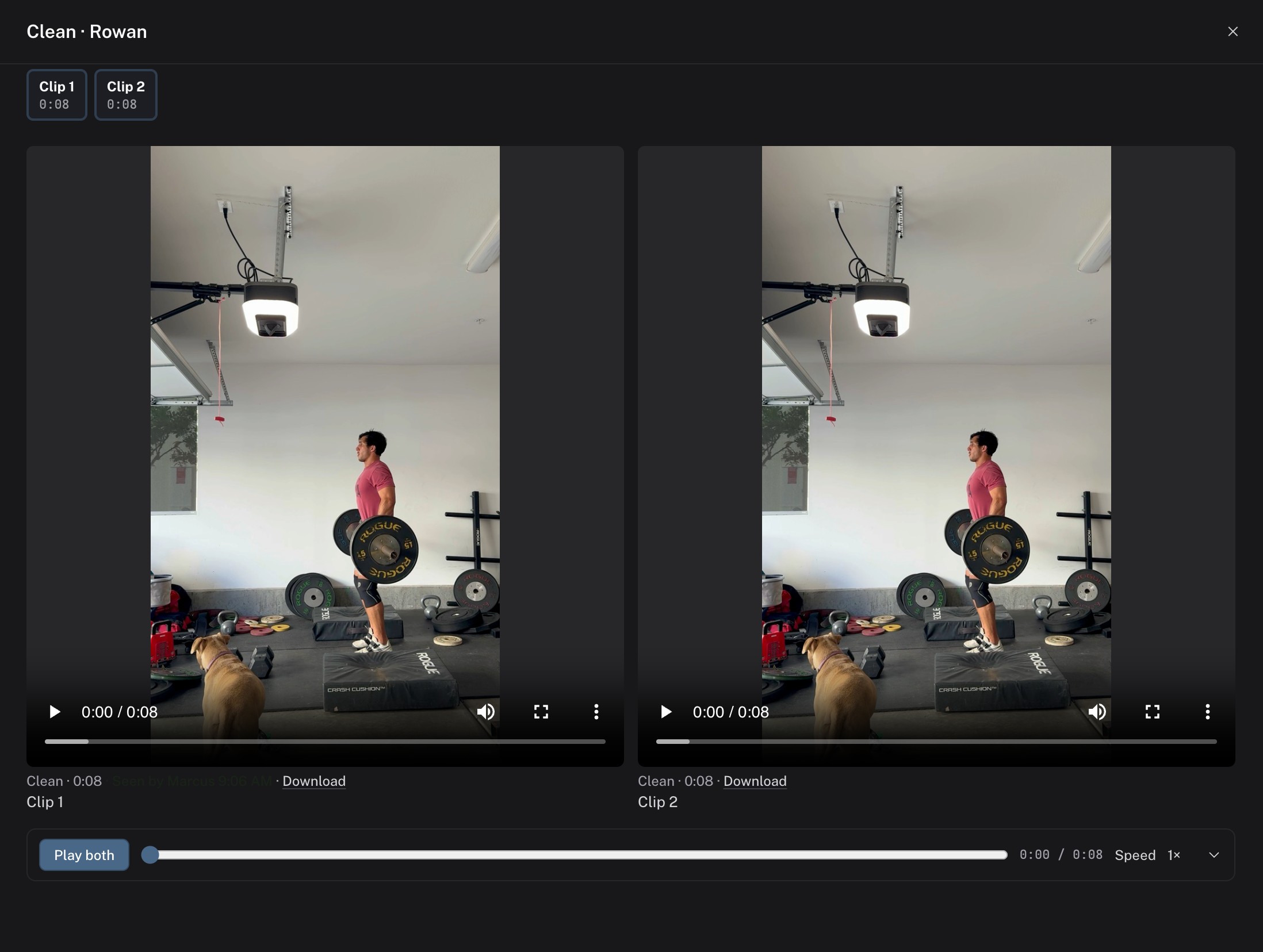
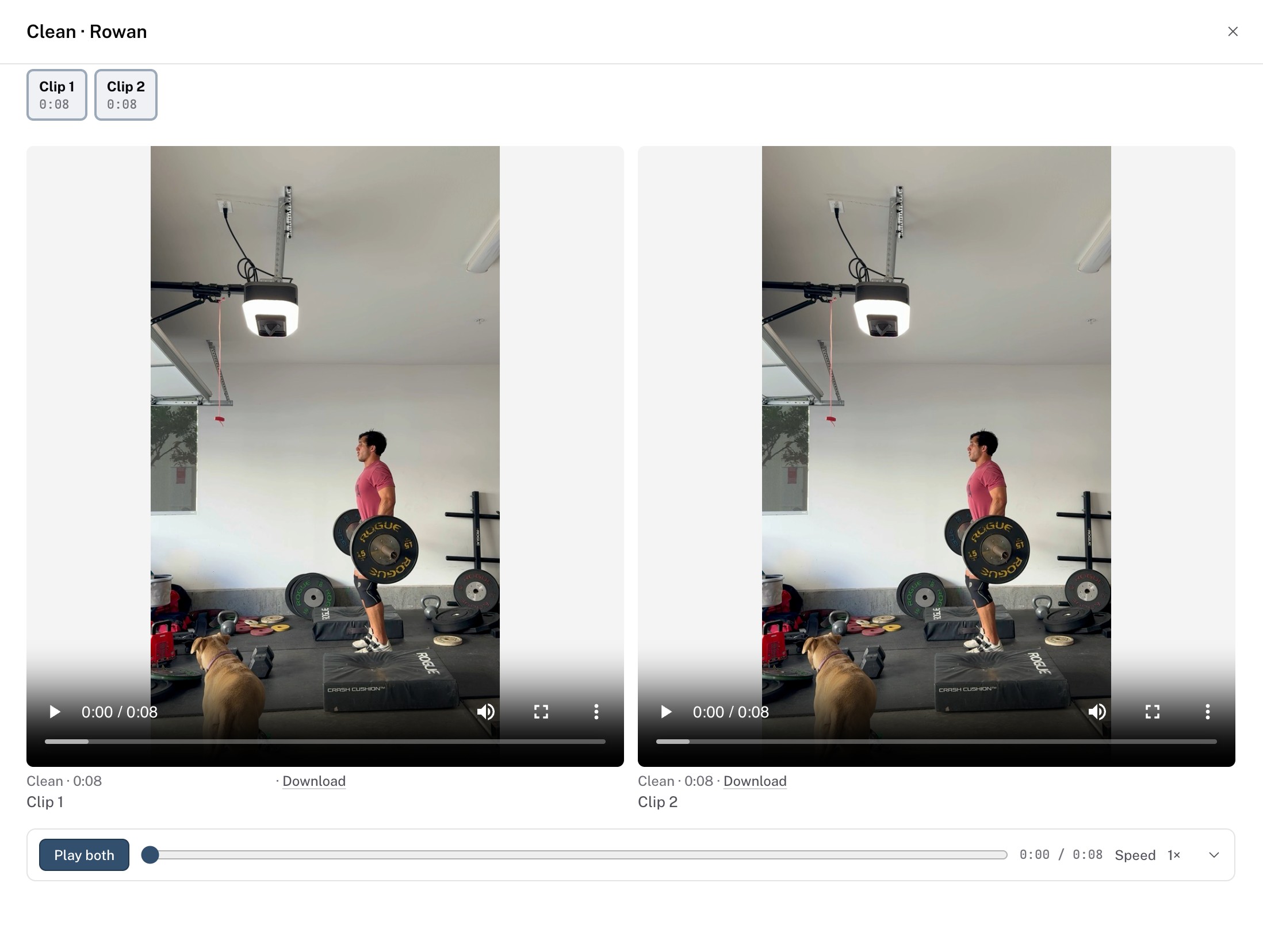
Open the clip's ··· menu and choose Compare to play two clips side by side, or Movement history to see earlier sessions of the same exercise.
Reply, or leave a staff note
Press R to reply in the session thread, which the athlete reads. Press N for a note, which only your staff see. Type @ in a note to mention a coach.
RN
 Thread
Finish the session
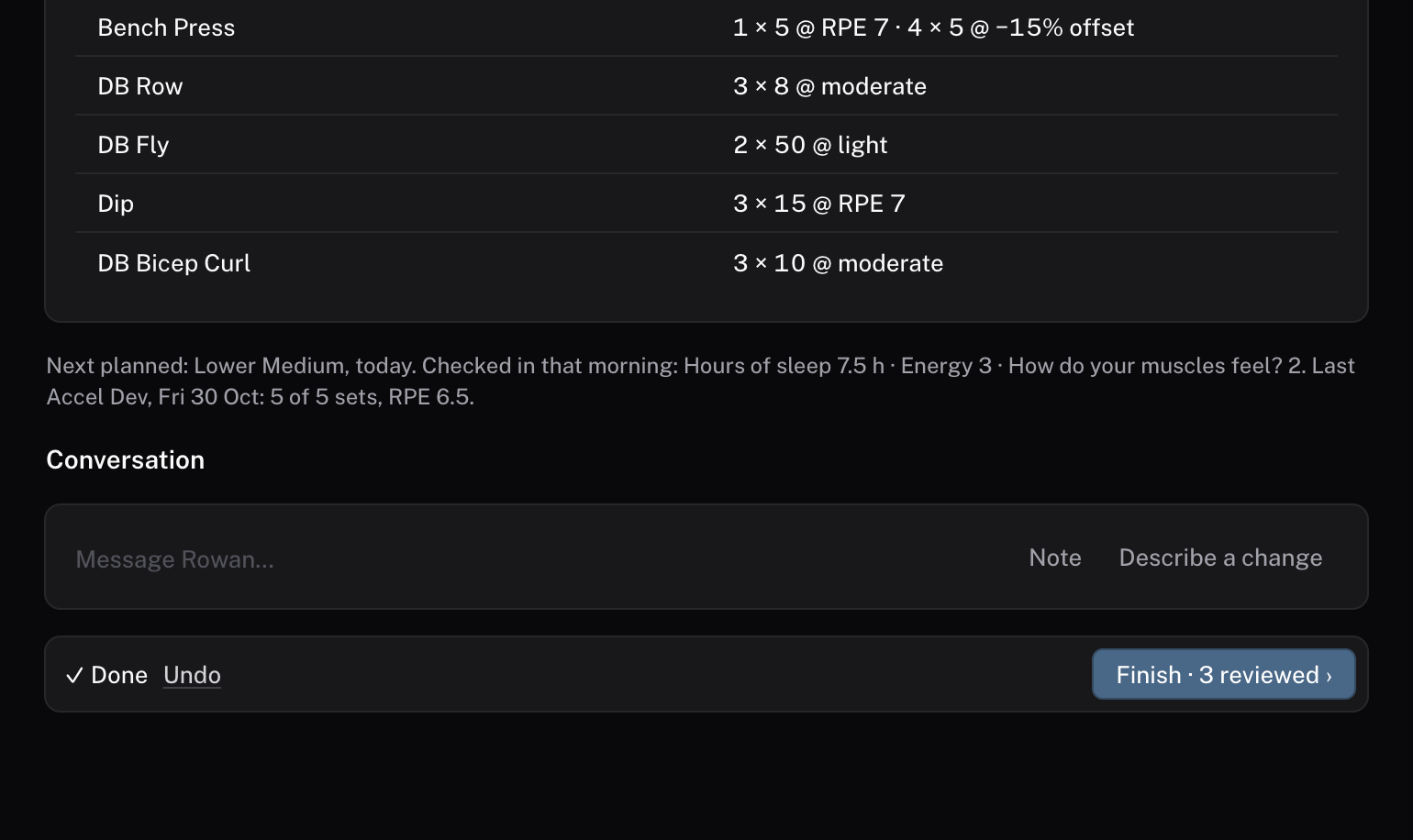
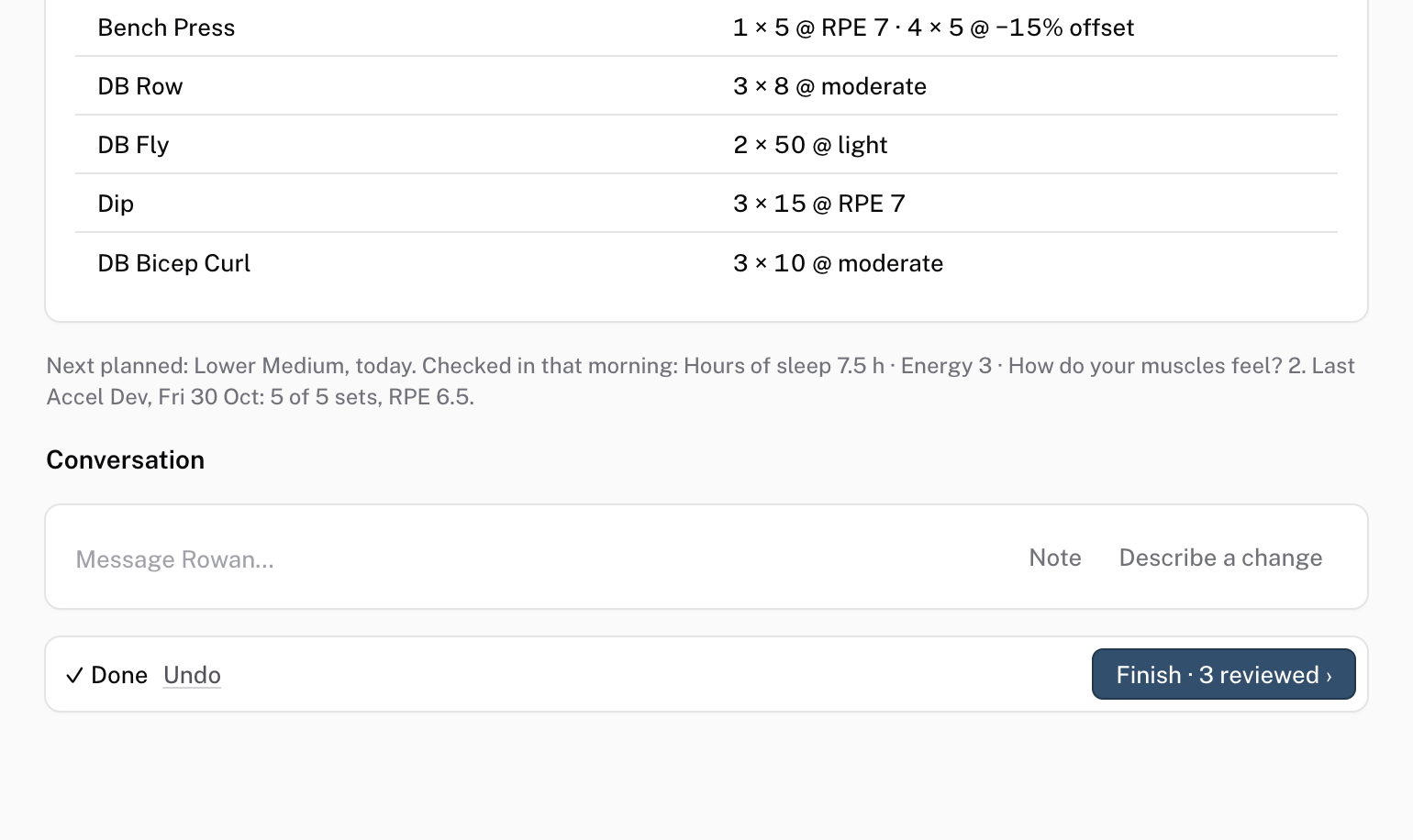
Press E for Done. If you need an answer first, choose Send · needs a reply, or press W. The thread waits for the athlete and comes back to the feed when they answer, or in 2 days. When the last thread is done, the button reads Finish with the number you reviewed.
EW
Check it worked
The athlete sees your reply under the clip in the app, and the session leaves the feed or waits for their answer.
Keys on this screen
| ↵ | Open |
| E | Done |
| H | Later |
| W | Needs a reply |
| R | Reply |
| N | Note |
| Z | Undo |
| Esc | Close or go back |
Common questions
Does the athlete see staff notes?
No. A note stays with your staff. Only replies go to the athlete.
Does a quick look mark a session seen?
No. A peek with Space shows the session without marking it seen. Opening it with Return does.
How long can a recording be?
Up to 5 minutes. The recording stops there and keeps the take.
Related
Stuck? Message us directly.