Workflows
Test a rule
At the end, you'll know how often a rule would have fired over the last 28 days, for which athletes, and what it would have changed on each session. The test replays the rule as it stands now over a form's past answers. It saves nothing and sends nothing to your athletes.
You'll need
- A saved rule with at least one condition and one change. A new rule gets its menu after you click Create rule.
- A form that asks the question the rule reads.
- Athletes who had that form due in the last 28 days.
Steps
Open the rule
In your web dashboard, open COACHING > Automation > Rules. Click the rule you want to test.
COACHING › Automation › RulesStart the test
Open the Rule actions menu (···) at the top right of the rule. Choose Test the last 28 days. The test uses the rule as it is on screen, including changes you haven't saved yet.
Rule actions › Test the last 28 days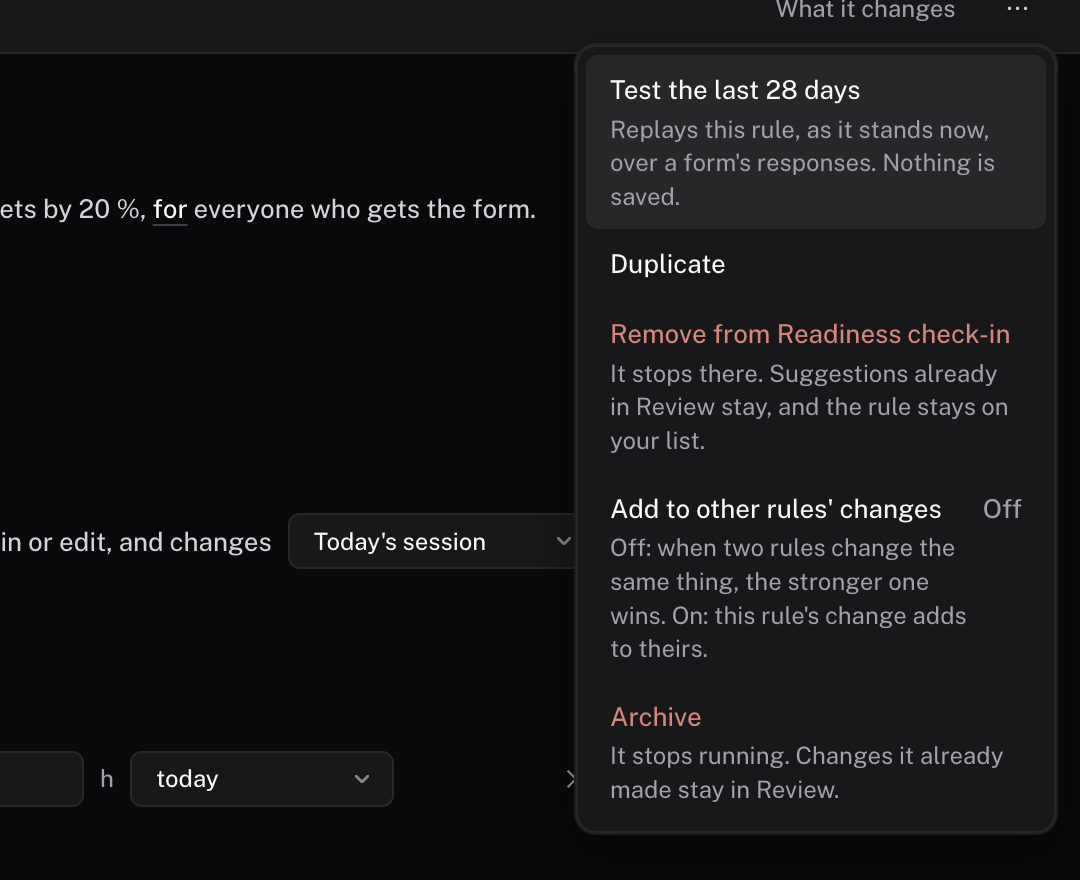
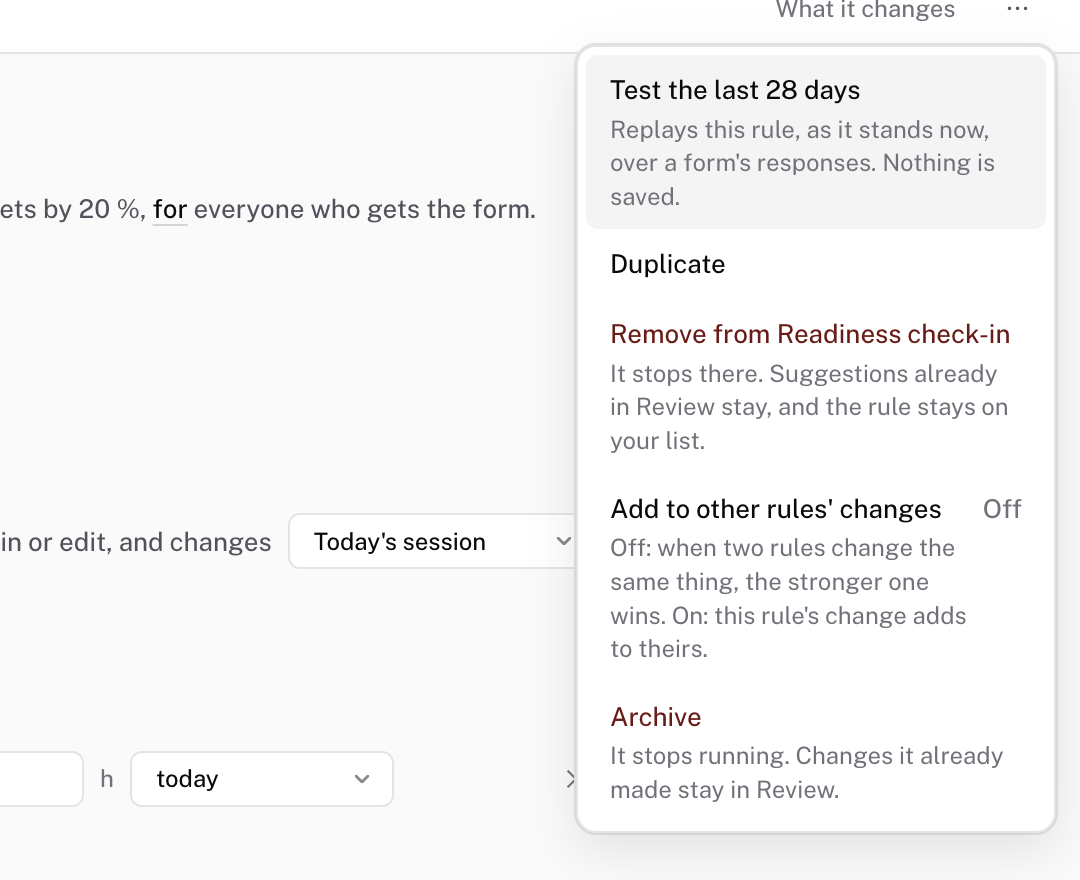 Rule actions
Pick the form
The sheet runs the rule over one form's answers. When the rule fits more than one form, pick the form from the list at the top. The forms the rule is on come first.
Read each day
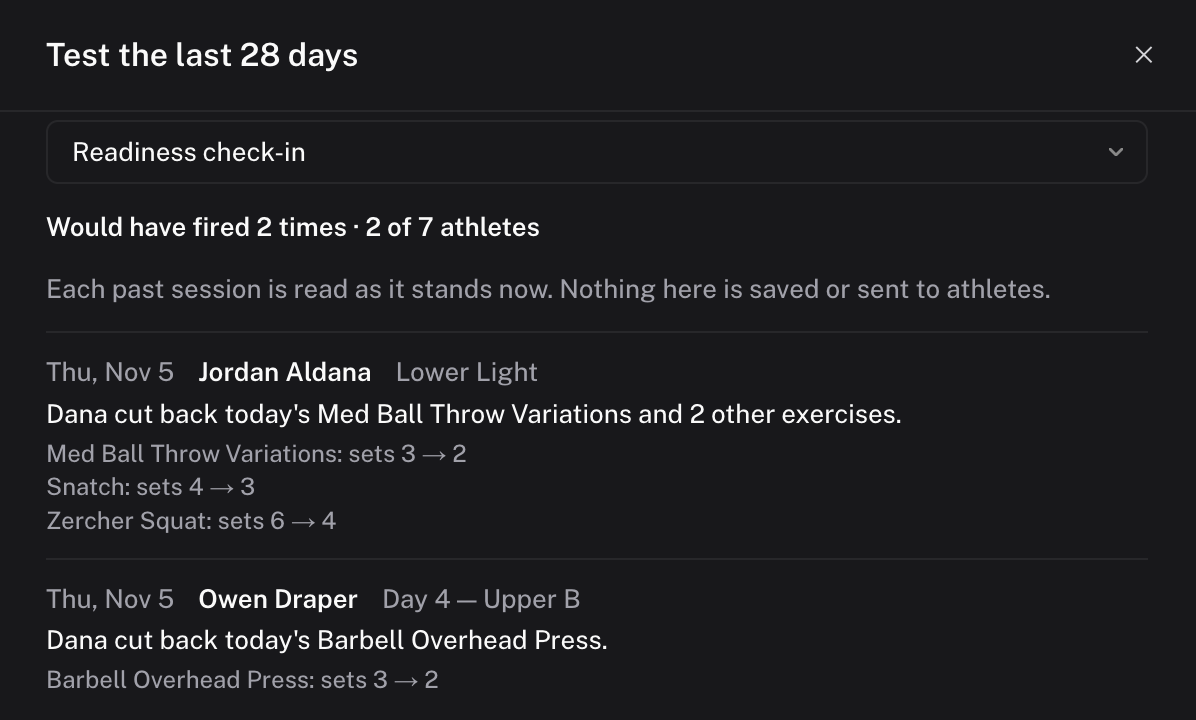
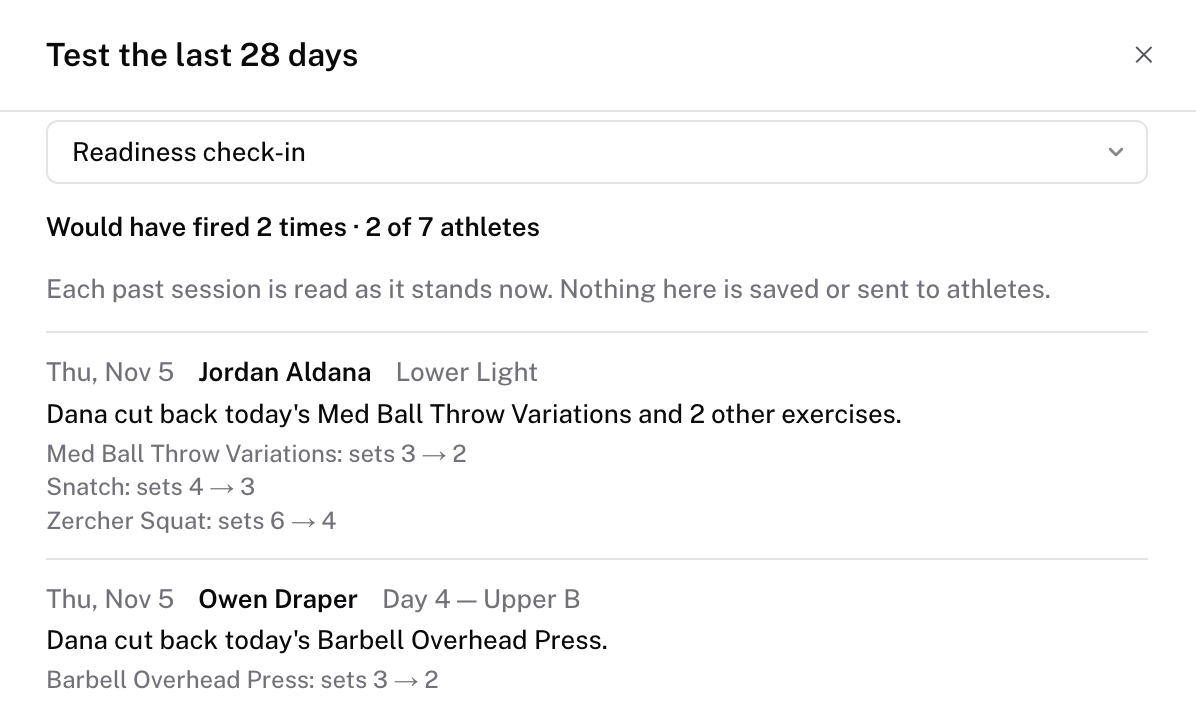
The first line counts the result, such as "Would have fired 3 times · 2 of 5 athletes". The second number counts the athletes who had the form due in those 28 days, within the rule's Runs for.
Below it, each row is one day and one athlete, newest first. A row shows the session, the line the athlete would have read, and each change the rule would have made. A row that would not have changed the session says why. "Nothing on the session for it to change." means the session had nothing the rule could touch. A row that names another rule means that rule runs first on that session.
Check it worked
The sheet's first line reads "Would have fired" with a count, or "Wouldn't have fired". Close the sheet. Nothing on any athlete's calendar changed.
Common questions
Does the test change any sessions?
No. The sheet says so under its count: "Each past session is read as it stands now. Nothing here is saved or sent to athletes."
Can I test a rule that isn't on a form yet?
Yes. A rule on no forms shows its 28-day count in the line under its sentence, with See each day beside it. That opens the same sheet. The rule needs a form that asks its question. If no form does, the sheet says "No form asks what this rule reads yet. Add the question to a form first."
How is this different from What it changes?
What it changes replays the rule on one athlete's next session, and it updates as you edit. Test the last 28 days replays the rule over every answer to the form in the last 28 days.
Related
Stuck? Message us directly.