Review
Reply and give a new session for today
At the end, an athlete who flagged a bad night or sore knees has a changed session for today, and a reply from you that says why. You make both from the thread in Review, so the change and the conversation stay together.
You'll need
- A thread in Review for an athlete you coach, such as a flagged check-in.
- An athlete with a calendar. A new athlete with no calendar has nothing to change yet.
Steps
Open the thread
In Review, move to the athlete's thread and press Enter, or click it. Read the answers or the session first. Flagged answers show beside the athlete's usual answer.
↵
Open the day
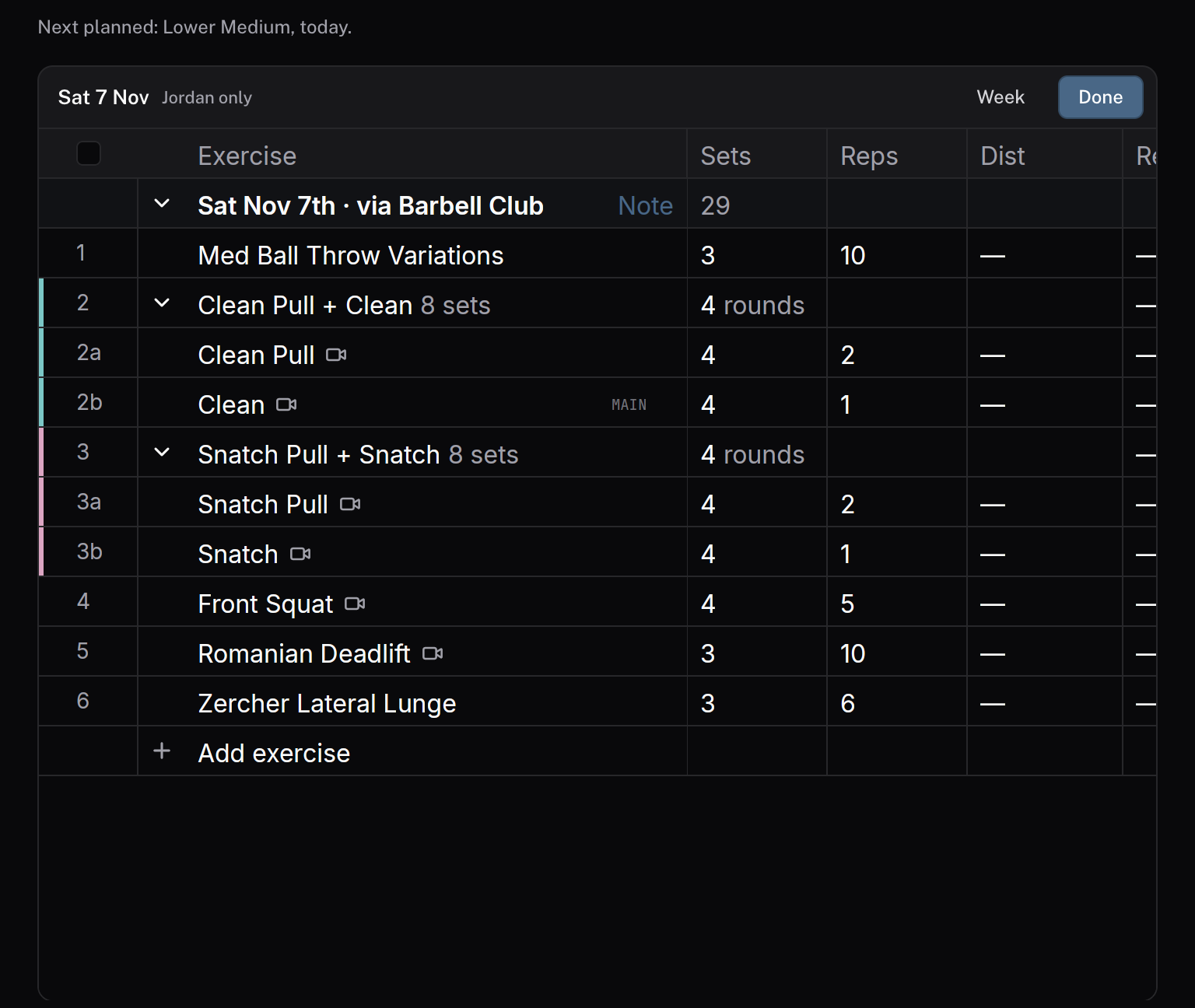
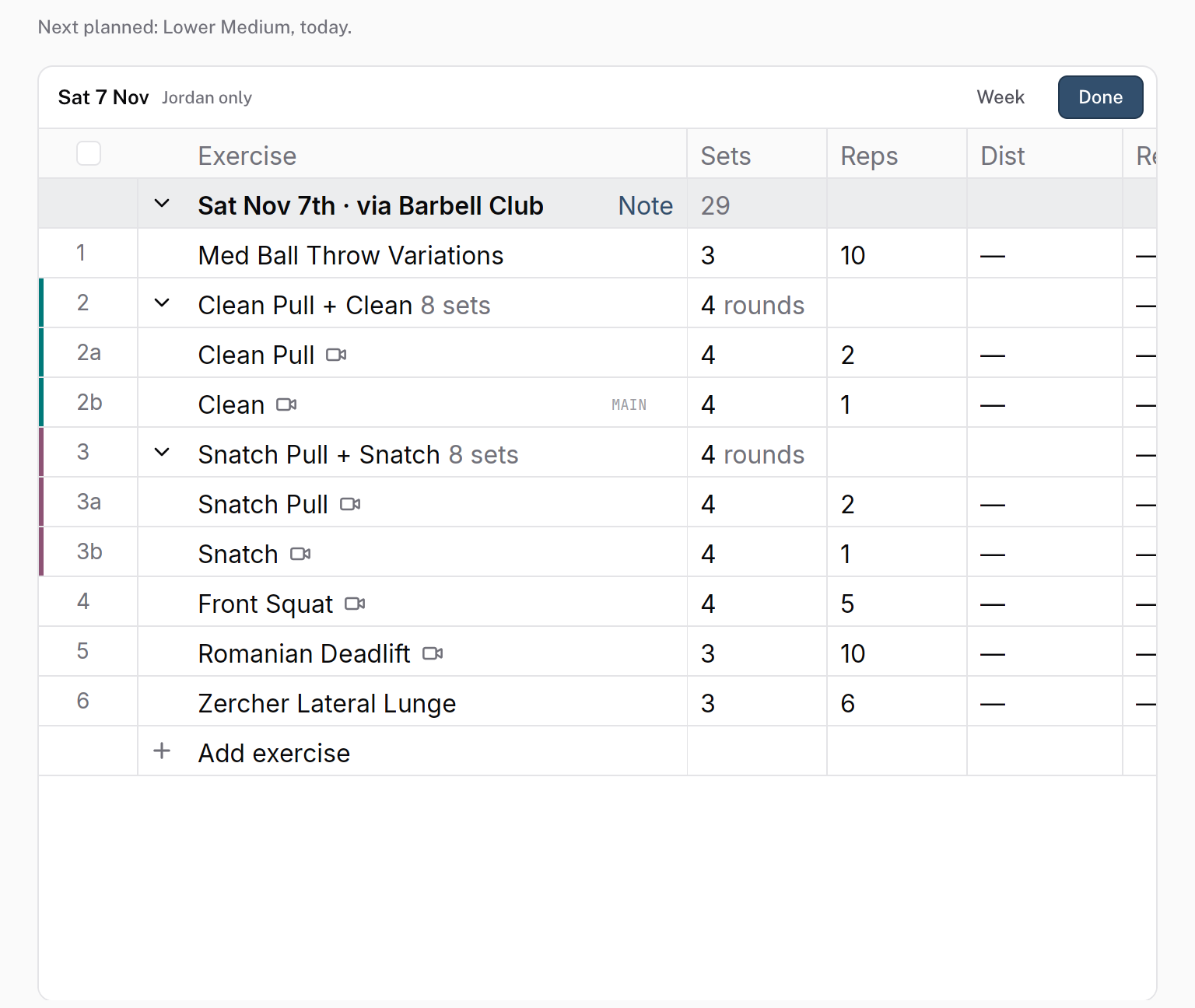
At the foot of the thread, click the adjust button. It names the day it opens: Adjust today, Adjust tomorrow, a weekday such as Adjust Thu, or Adjust training when the day is further out. On a check-in or a pain thread, it opens the athlete's next session.
The day opens in the builder inside the thread. Its header shows the date and the athlete's first name with only, because the change is for this athlete. It names the session too when the day has one.
Change the session
Edit the day as you would in the program editor. Swap an exercise, cut sets, change the load, or add a session. The builder saves each change as you make it.
Click Done
Click Done in the day's header. The thread's Activity records what you changed, in a line such as "You edited Lower body · Thu 8 Oct (Split squat → Step-up)".
Reply to the athlete
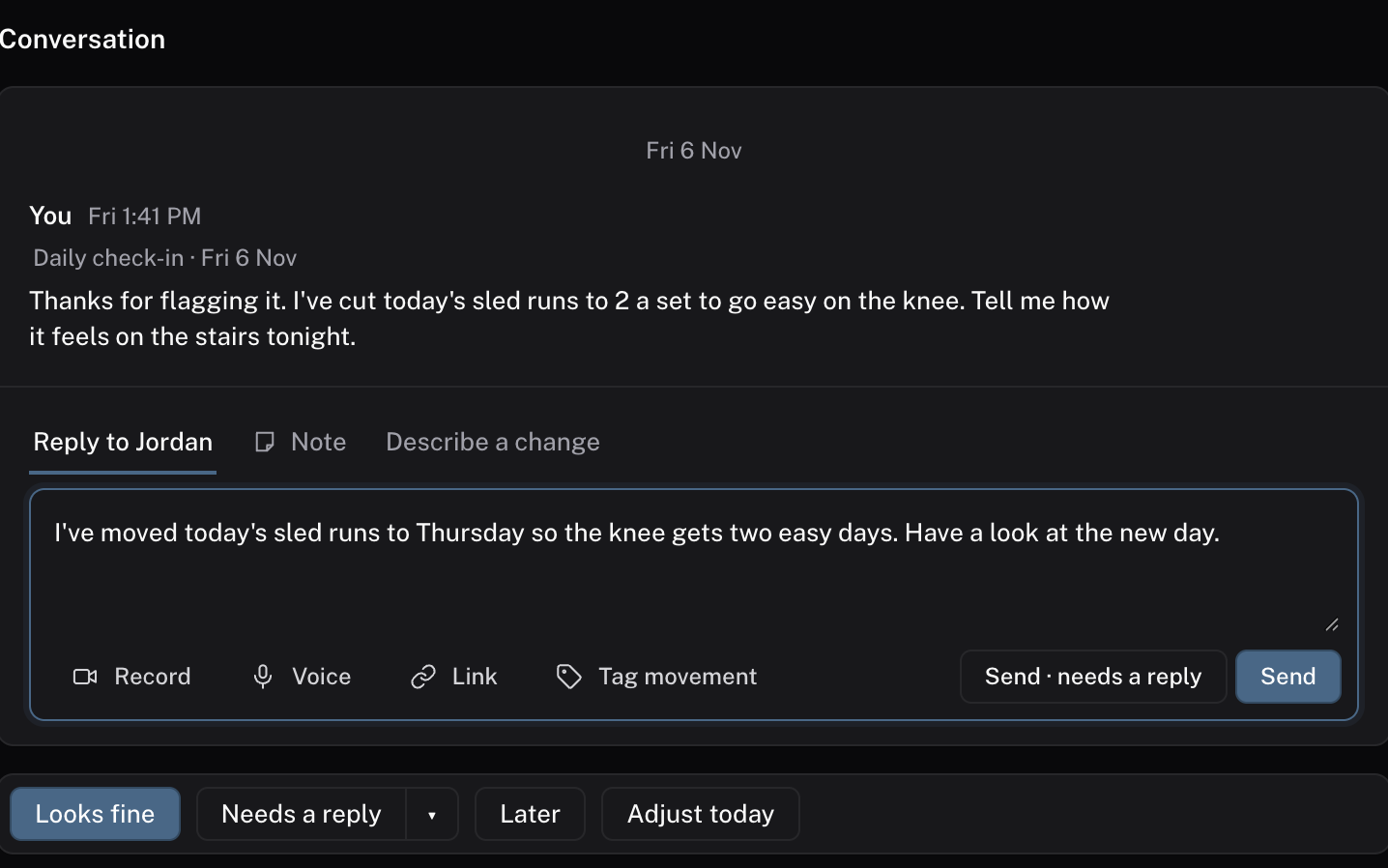
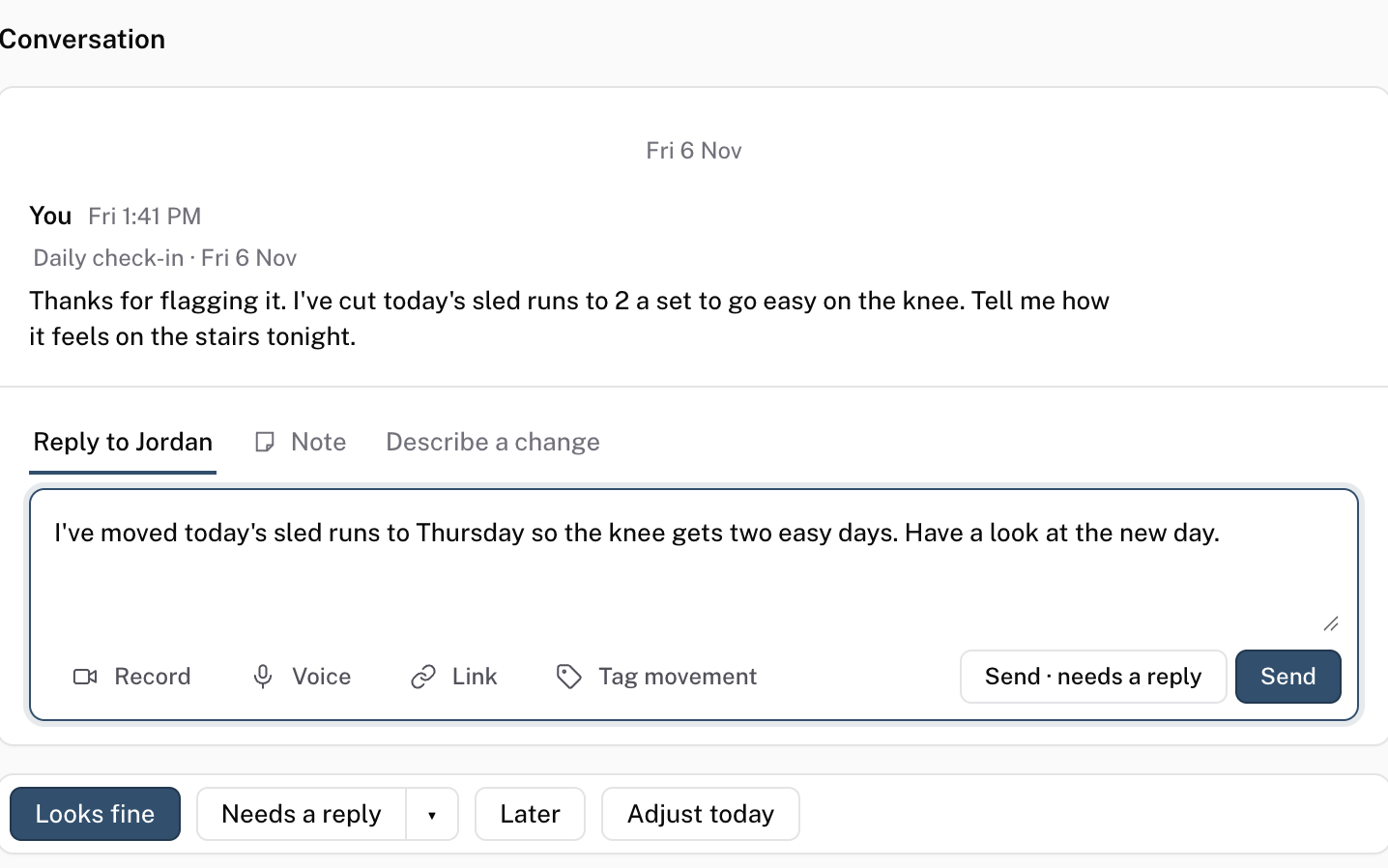
Press R, or click the Reply to tab with the athlete's name. Say what you changed and why. Press ⌘↵ or click Send. Your reply reaches the athlete in their chat with you, as a card that opens this thread.
To hear back before their session, click Send · needs a reply instead. The thread waits in Waiting for reply until they answer, or for two days.
R
Check it worked
The thread's Activity shows your "You edited" line, and your reply sits under it. The athlete's day shows the changed session.
Common questions
Can the Agent make the change for me?
On a paid plan, yes. Open the Describe a change tab in the reply box and write what should change. The Agent proposes the change, and nothing applies until you accept it. See AI proposals.
Why is there no adjust button on a missed session?
A missed session's thread has Reschedule instead. It opens the missed day in the builder. When you move the session off that day, the thread closes as done.
Does a reply finish the thread?
No. A reply leaves the thread where it is, so you can reply about each clip and the session. Click Done when you have finished.
Related
Stuck? Message us directly.