Review
The morning email
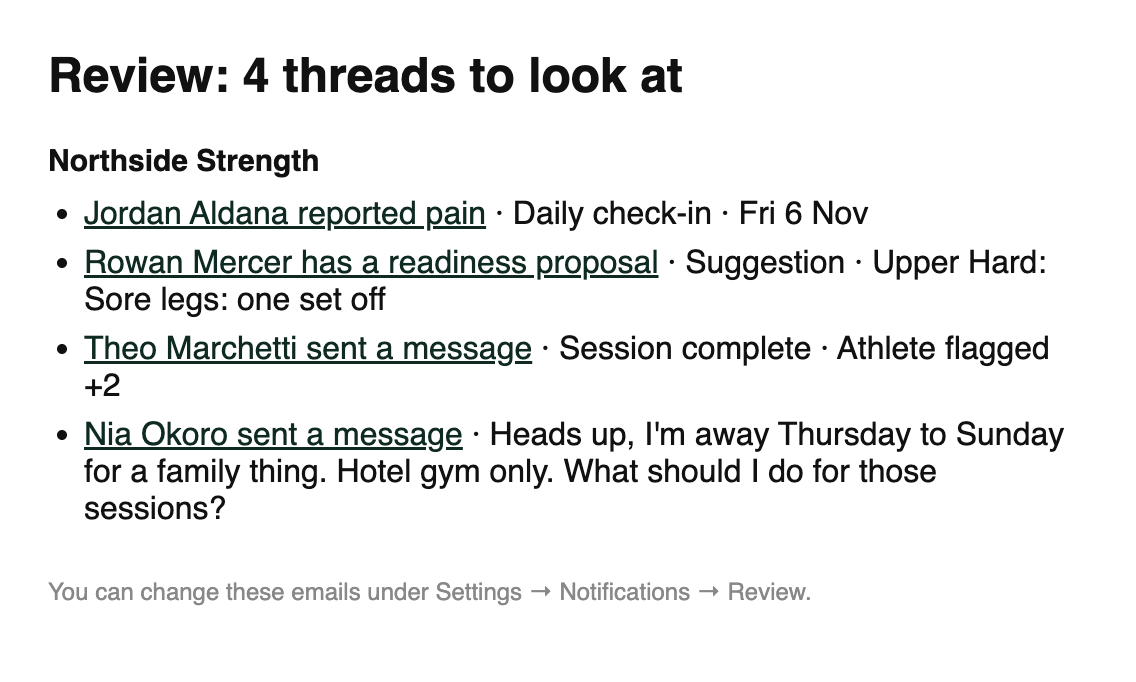
Each morning, Gridlines can email you the threads waiting for you in Review, so you know which athletes to start with before you sign in. A second morning email, the check-in digest, lists who flagged a check-in answer and who hasn't checked in.
What it is
There are two morning emails, each with its own setting:
- The Review digest — one email a day with the threads waiting in Review. Each line names the athlete and what happened, such as "reported pain" or "missed a session", and links to the thread. The subject reads like "Review: 4 threads to look at". When nothing is waiting, no email goes out.
- The check-in digest — today's check-ins for your organization. It names each athlete who flagged an answer, with those answers, and each athlete who hasn't checked in. It also lists the changes your training rules suggested or made. The subject reads like "Check-ins at North Track: 2 flagged · 3 not checked in".
Where to find it
The Review digest's settings are yours. In Review, open the ⋯ menu and choose Review settings, then Notifications.
Open Review notifications in Gridlines
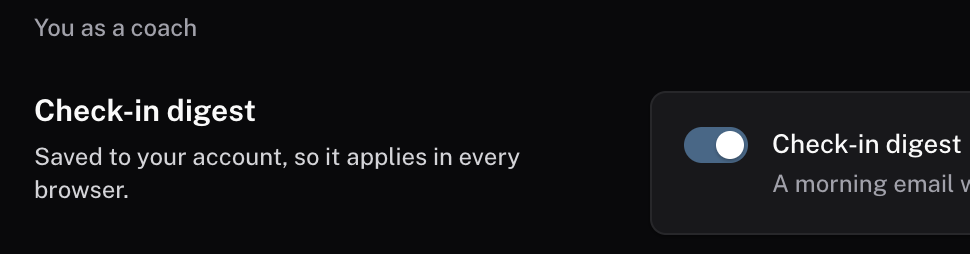
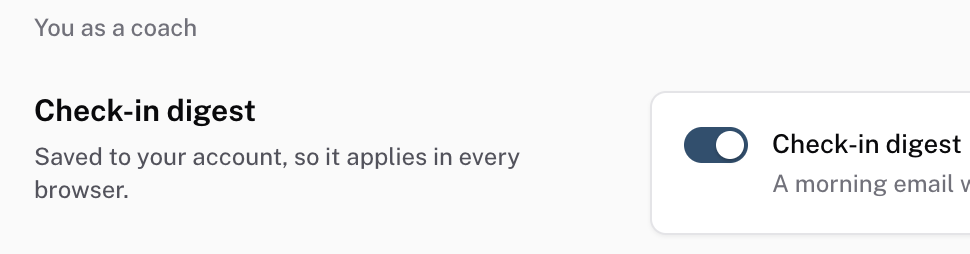
The check-in digest's switch is in your account menu, under Preferences > Check-in digest. An admin sets the hour it goes out, under ORGANIZATION > Settings > General > Clock and minors > Digest hour.
The parts
What goes in the Review digest
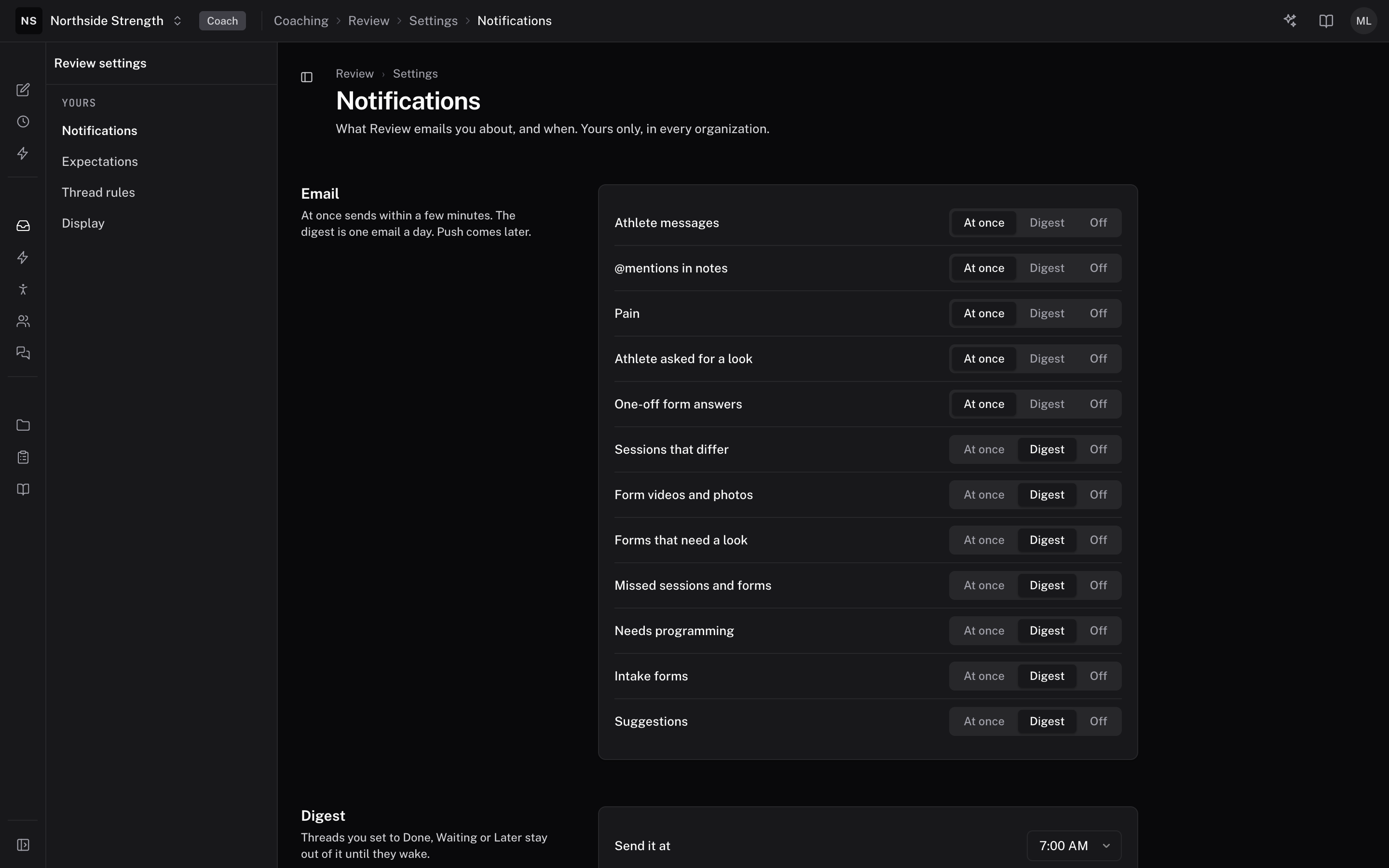
The Email section lists each kind of thread with three choices:
- At once — an email within a few minutes of the thread arriving.
- Digest — the thread waits for the morning email.
- Off — no email for this kind.
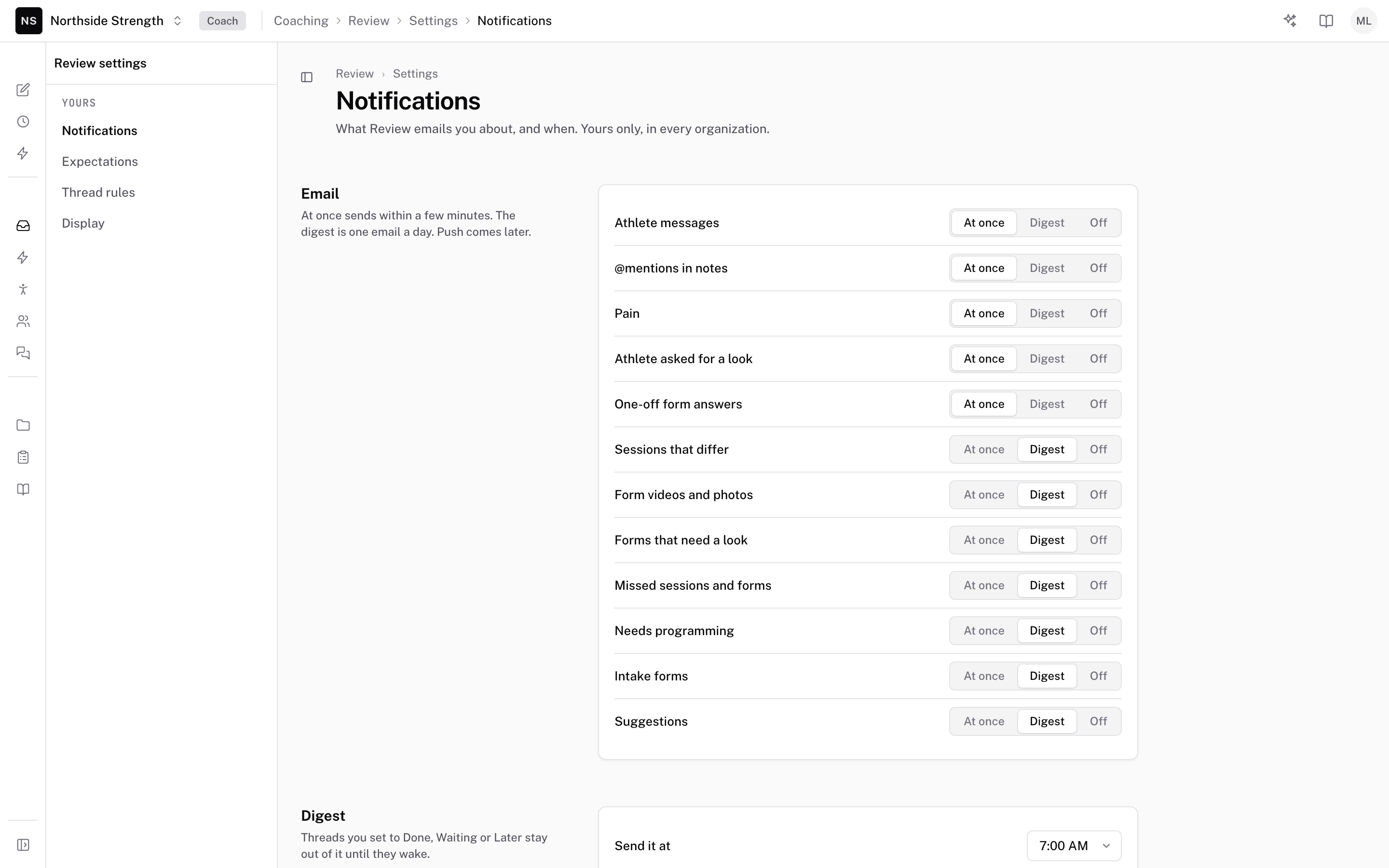
Until you change them, Athlete messages, @mentions in notes, Pain, Athlete asked for a look, and One-off form answers are At once. Every other kind is Digest.
Threads you set to Done, Waiting for reply, or Later stay out of the digest until they come back to Review. One digest covers every organization you coach in, with a heading for each.
 Notifications
When the Review digest arrives
The Digest section sets the time:
- Send it at — any half hour. It starts at 7:00 AM.
- Time zone — your organization's time zone until you pick one.
Turning the emails off
To stop the Review digest, set every row that reads Digest to At once or Off. To stop the check-in digest, turn off Check-in digest in Preferences. Both settings belong to your account, so they follow you to every browser, and they don't change anyone else's emails.
Common questions
Why didn't I get a Review digest today?
Nothing was waiting in Review for you at the digest time. An empty digest isn't sent. Threads you parked in Later or Waiting for reply count only once they come back.
Who gets the check-in digest?
Staff get it, and it is on until each person turns it off. Athletes don't get it.
Can I get an email the moment an athlete reports pain?
Yes. Pain is set to At once until you change it. Any other kind can be At once too.
Related
Stuck? Message us directly.