Review
The review feed
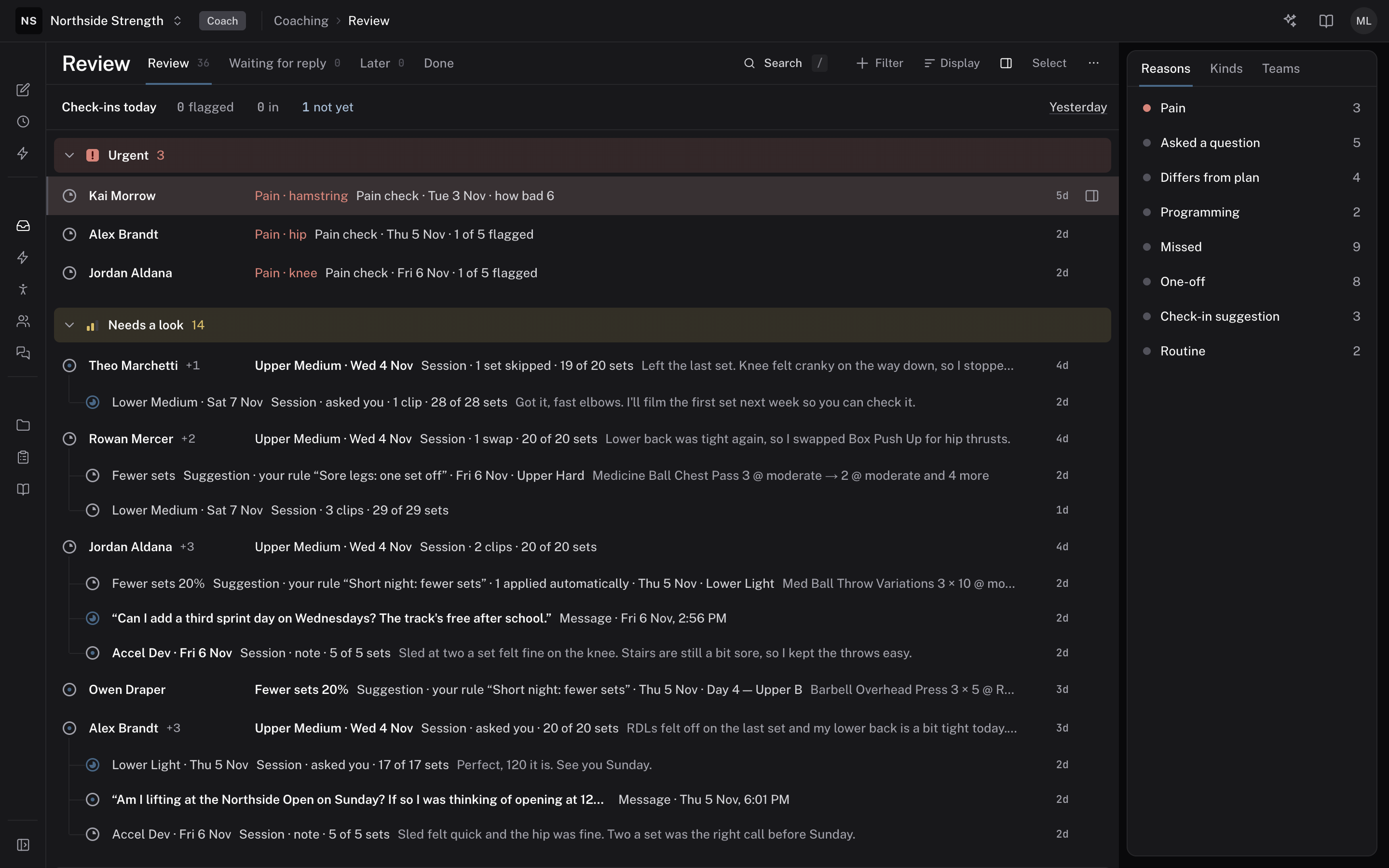
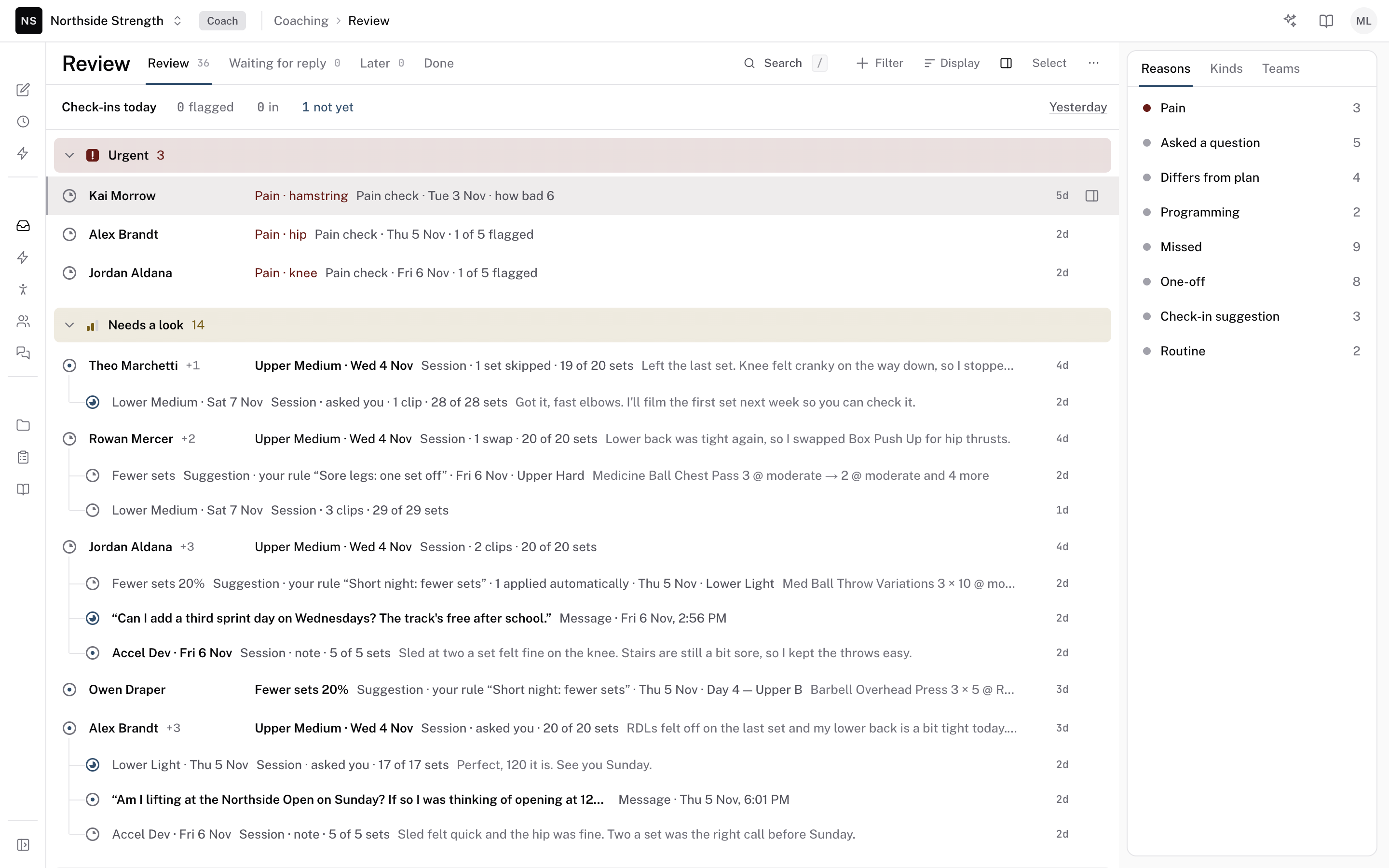
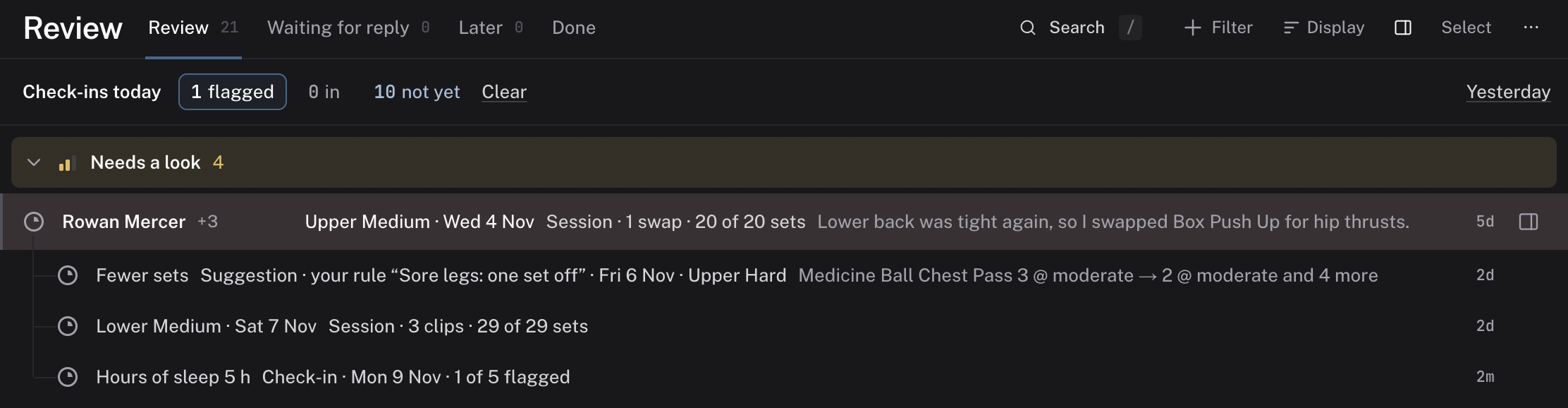
Review is the list of everything your athletes need from you. Their logged sessions, messages, and form answers arrive in it, along with athletes whose calendar is running out of training. Each row says why it is there, so you can start with the athlete who needs you first.
 Review
What it is
Each row in Review is a thread. A thread is one thing an athlete sent or did, with the conversation about it. A thread stays in Review until you deal with it. You can mark it Done, set it aside with Later, or park it until the athlete answers.
An athlete's threads sit together under their first one. After its title, each row names the kind of thread, then the reason it is in Review.
Review replaced Today as the page a coach opens each morning. An organization without Review opens Today instead.
Where to find it
In your web dashboard, open COACHING > Review. Admins and coaches have it. Athletes don't.
The tabs across the top are the views: Review, Waiting for reply, Later, and Done. A Mentions tab joins them when another coach mentions you in a note.
The parts
What lands in Review
Each row names its kind:
- Session — a logged session that matches one of your thread rules, has a pain mark, or carries a clip.
- Check-in — a form answer that was flagged, or a check-in where the athlete asked you to look.
- Pain check — a check-in with a pain answer.
- One-off — an answer to a one-off form.
- Intake — a new athlete's finished intake form.
- Missed check-ins — an athlete missed forms several times in a row.
- Missed session — a planned session that wasn't logged.
- Message — a message from the athlete.
- Suggestion — a change to a session that a rule or the Agent proposed. See AI proposals.
- Needs programming — an athlete's calendar is running out of training. Program next block on the thread opens their calendar.
A row with pain shows Pain in red. A session that breaks one of your thread rules shows Breaks a rule.
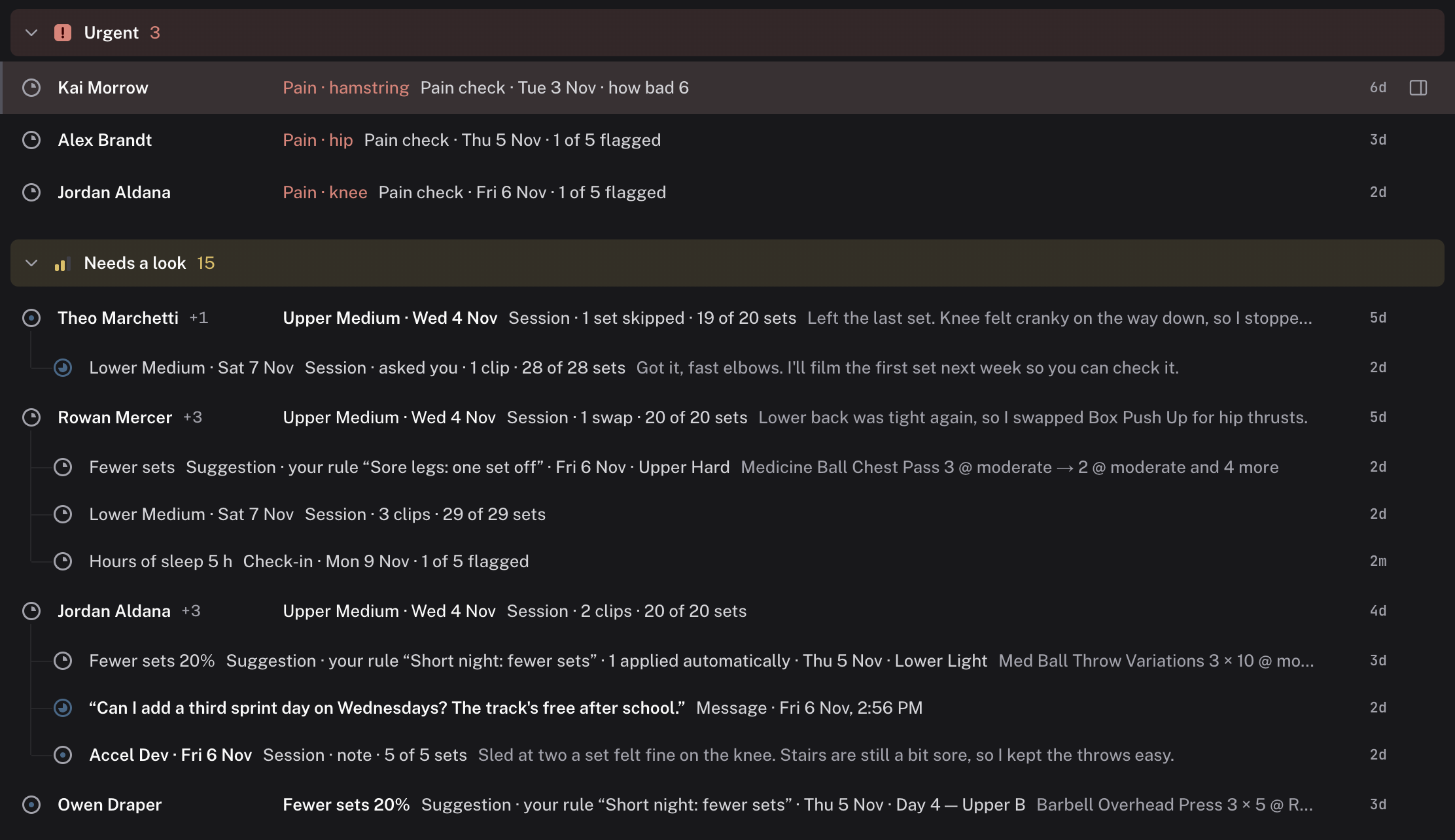
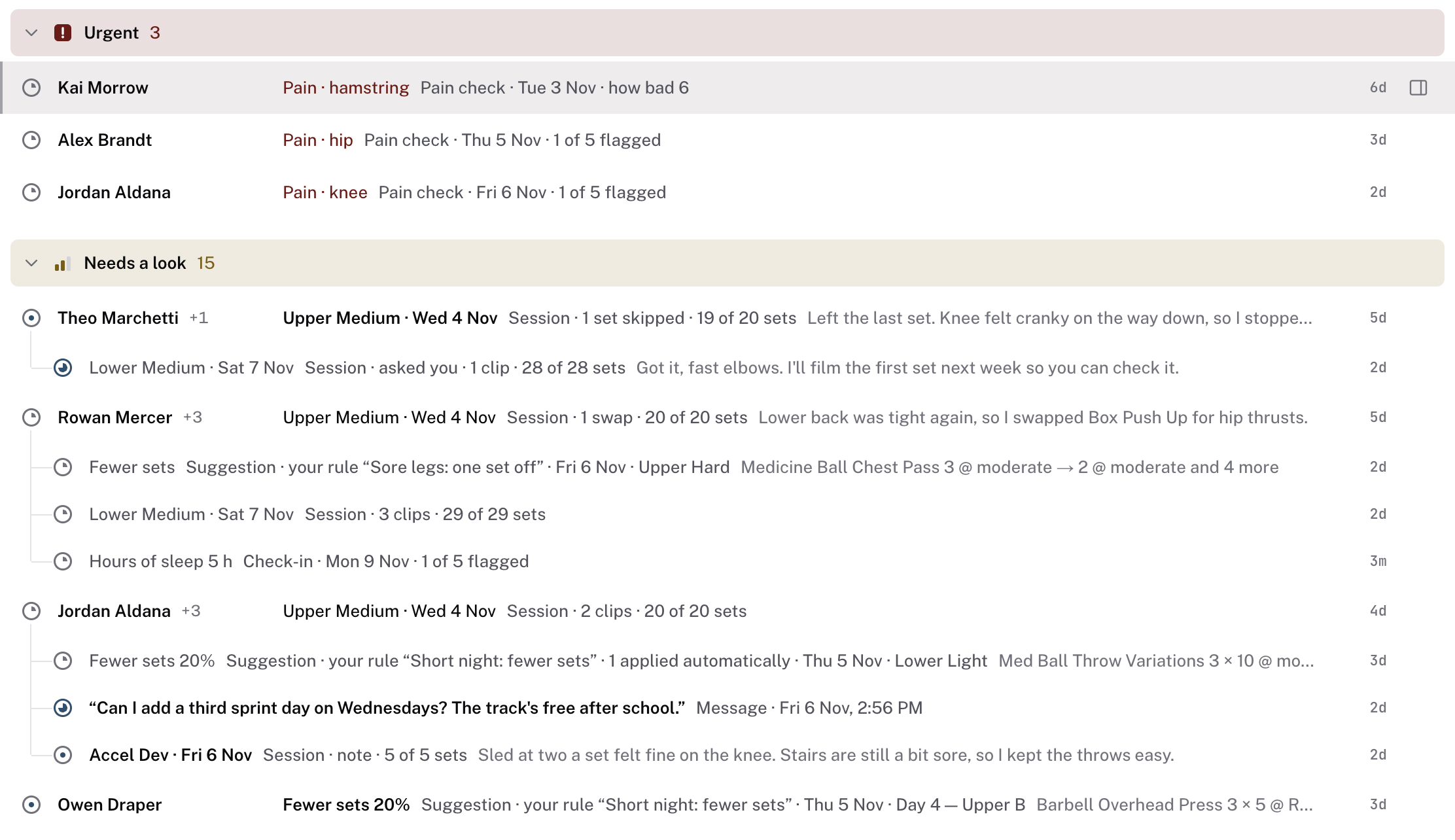
You decide when a quiet athlete raises a thread. In Review's ⋯ menu, choose Expectations. Needs programming sets how few days left on a calendar raise a thread: 3, 5, 7, 10, or 14. Missed forms sets how many missed forms in a row raise one, from 1 to 5. Set for one athlete gives one athlete their own missed-forms number.
The check-in line
At the top of the Review tab, Check-ins today counts today's check-ins in three groups: flagged, in, and not yet. Click a count to show only those athletes. Click it again, or click Clear, to show everyone.
Yesterday switches the line to yesterday's check-ins. Back to today returns to today. See set up intake, check-ins, and training rules for how answers get flagged.
Waiting for reply
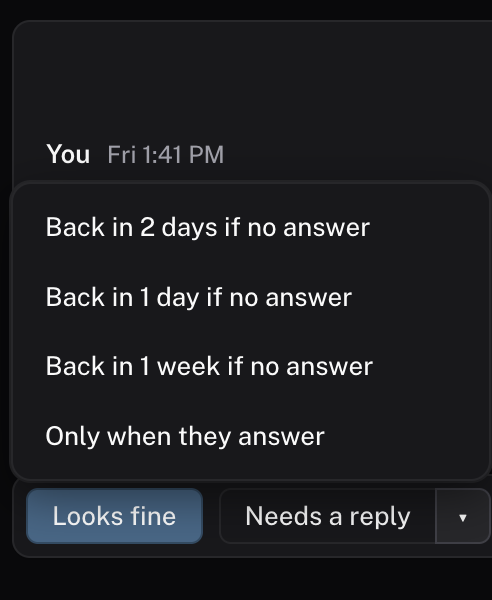
When you ask an athlete a question, park the thread until they answer. In an open thread, click Needs a reply, or press W. The thread moves to Waiting for reply. It comes back to Review when the athlete answers, or after two days with no answer.
The ▾ beside Needs a reply picks another wait:
- Back in 2 days if no answer
- Back in 1 day if no answer
- Back in 1 week if no answer
- Only when they answer
In the reply box, Send · needs a reply sends your reply and parks the thread in one click. A thread that comes back after an answer says so at the top. Suggestions and Needs programming threads can't wait for a reply, because there is no athlete answer to wait for.
 Needs a reply
Later and Done
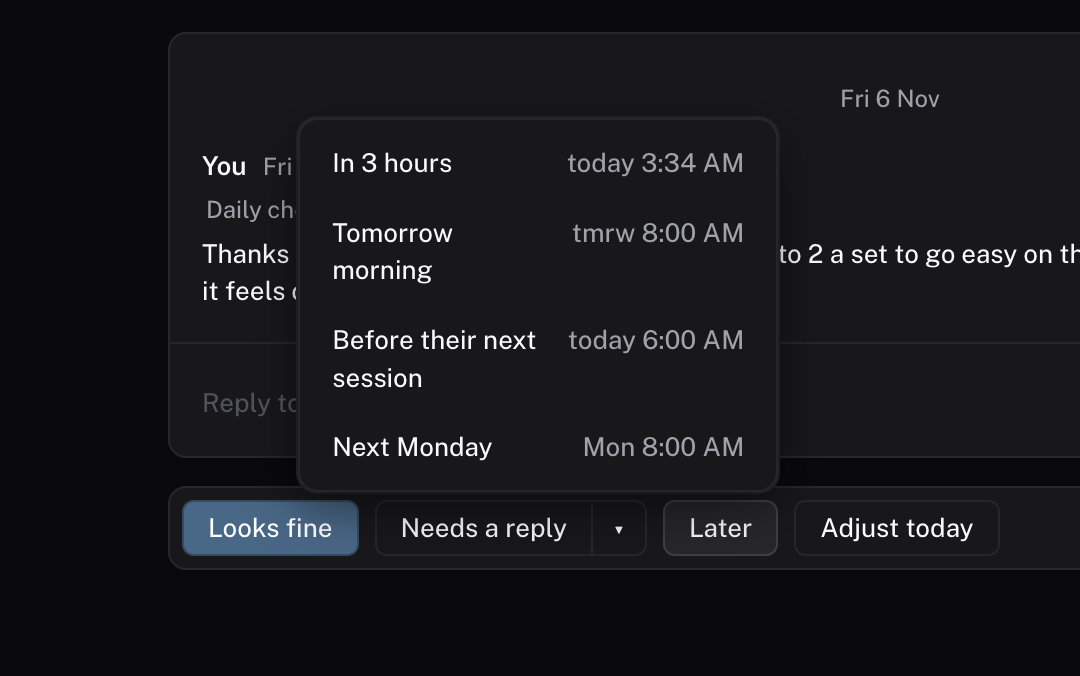
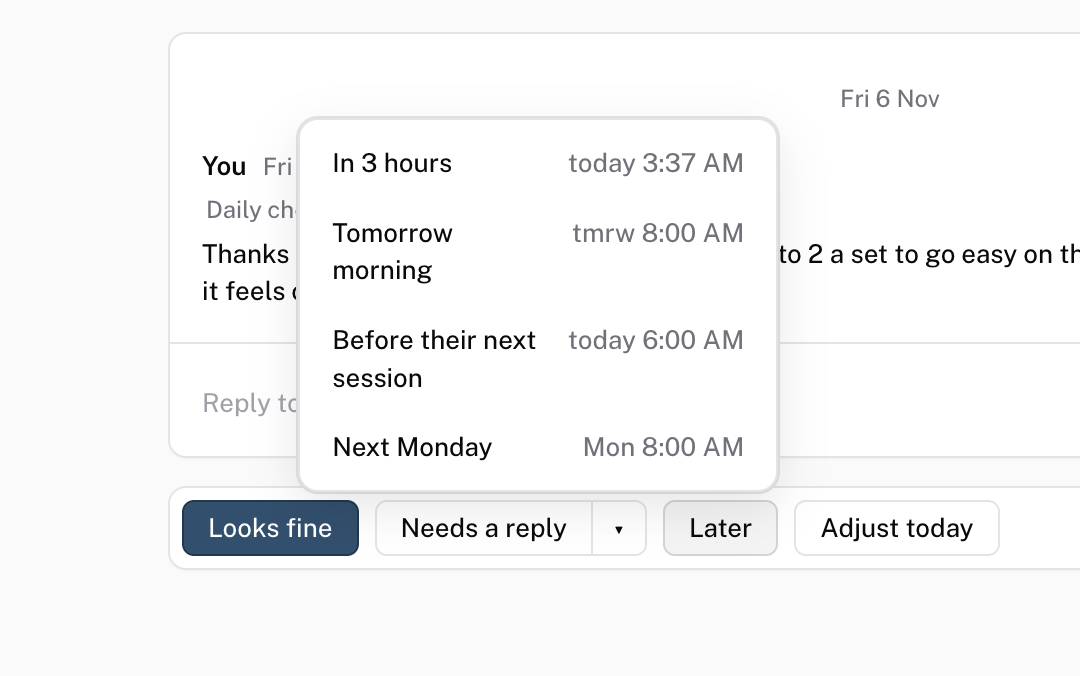
Later hides a thread until a time you pick:
- In 3 hours
- Tomorrow morning
- Before their next session, when the athlete has a session coming up
- Next Monday
Done finishes a thread. On a check-in or a pain check, the button reads Looks fine, because you read the answers and they stand. Finished threads are under the Done tab. Reopen on a finished thread puts it back in Review.
 Later
Whose threads, and taking one
Each thread belongs to the athlete's coach. When someone else coaches in your organization, Filter has a Whose field. Pick Mine, All coaches, or Mentions you.
When a coach leaves the organization, their open threads become unassigned. An Unassigned link at the foot of the list shows how many. An unassigned thread opens with a line that names the coach who left. Click Take it beside that line to make the thread yours. You can't reply to the athlete until you take it. If another coach took it first, Review tells you.
On the site, S09 Waiting and claiming shows the same moves.
Common questions
Why is this athlete in Review?
Read the row after its title. It names the kind of thread, then the reason it is there, such as a flagged answer or a skipped exercise.
Can I change which sessions open a thread?
Yes. In Review's ⋯ menu, choose Review settings, then Thread rules. Turn on the cases you want, such as A set wasn't done or An exercise was swapped. Thread rules never change training.
Does my athlete see a note?
No. A Note on a thread is for staff only, and you can @mention another coach in it. The Reply to tab, which carries the athlete's first name, sends your words to the athlete.
Related
Stuck? Message us directly.